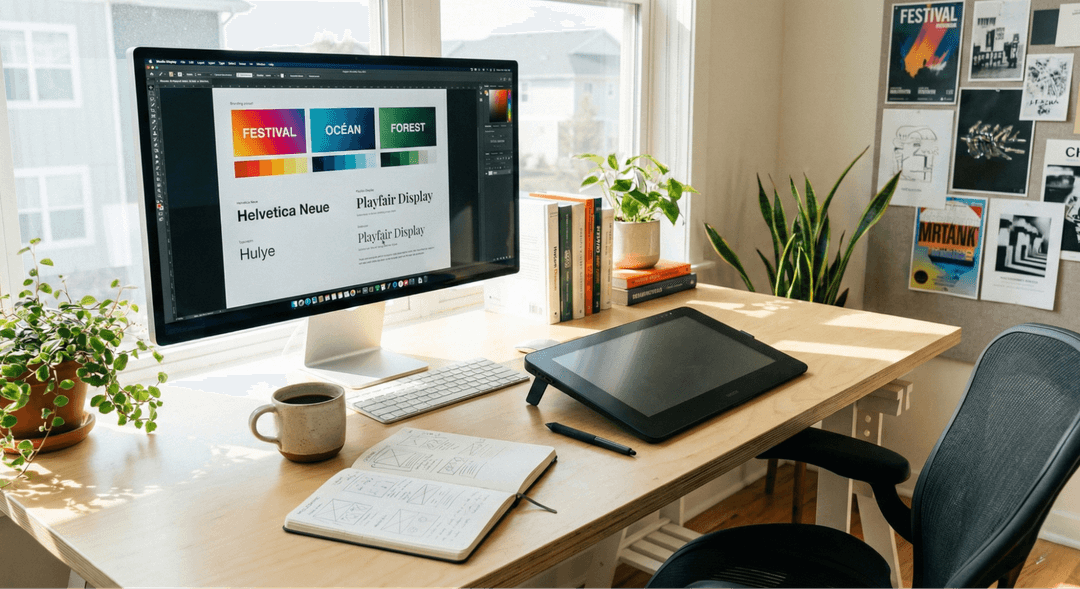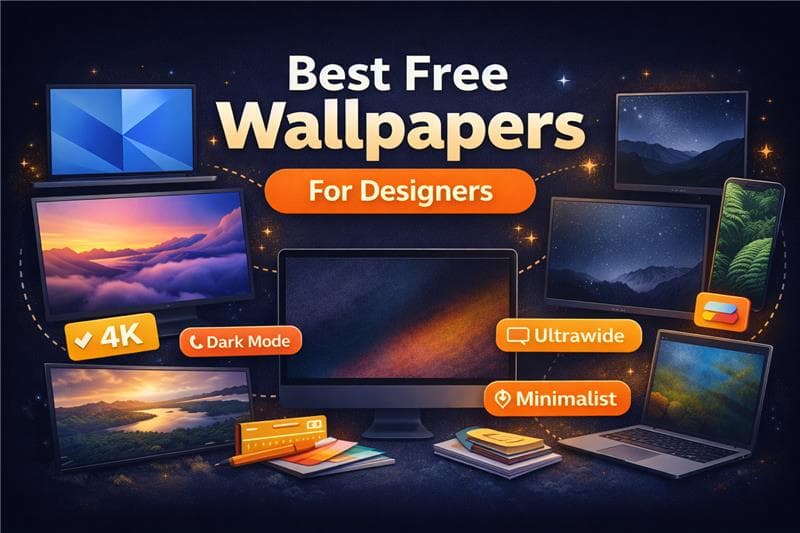
At Wallpezia, we spend a lot of time looking at screens. For designers and creative professionals, the desktop background isn't just a decoration; it is the digital equivalent of your office walls. Yet, we frequently see designers struggling with digital environments that actively work against them.
The common frustrations are real. We hear from users who find a beautiful image, only to realize it makes their desktop icons invisible. We see 4K monitors displaying pixelated images that were never meant to be stretched that wide. And perhaps most often, we see the struggle of finding a background that is interesting enough to be pleasing, but neutral enough not to distract from the work being done.
This guide explores how to select wallpapers that actually function well in a creative workflow, based on the practical challenges we have observed.
Why Wallpapers Matter for Designers
Your wallpaper is the visual baseline of your workspace. When you minimize your active windows to clear your head, what you see directly impacts your ability to refocus.
From our experience, the wrong wallpaper creates "visual noise." If a background is too chaotic or high-contrast, it forces your brain to filter out information constantly, even if you aren't consciously looking at it. For a designer working with color palettes and complex layouts, this added cognitive load is unnecessary friction. A well-chosen wallpaper provides visual relief and helps maintain a neutral environment where your ideas can take center stage.

What Makes a Good Wallpaper for Creative Professionals
After evaluating thousands of images on a wide range of screens, we have determined the specific technical and visual characteristics that distinguish a functional wallpaper from a disruptive one.
1. Resolution and Screen Compatibility
Designers often work on large, high-density displays (4K, 5K, or ultrawide monitors). These screens can make a standard HD wallpaper look distorted or blurry. These displays expose the flaws—like blur and artifacts—in a standard HD wallpaper. In contrast, a good creative wallpaper relies on native high-resolution to maintain authentic colors and razor-sharp lines.
2. Color Balance and Visual Calm
If you are doing color-critical work, your background shouldn't skew your perception. Extremely saturated wallpapers can cause afterimages or make the colors in your design software look washed out by comparison. We recommend backgrounds with balanced, somewhat muted tones that allow your eyes to rest.
3. Negative Space
This is purely practical: where do your icons go? The best wallpapers for productivity usually feature significant "negative space"—areas of solid color or low texture where files and folders can sit without becoming illegible.

Best Wallpaper Types by Use Case
Different creative roles often require different digital environments. Here is what we have found works best for specific disciplines:
For UI/UX Designers: Minimalist & Geometric
When you are designing interfaces, clarity is required. Minimalist wallpapers that utilize subtle geometric patterns establish structure without the chaos. These backgrounds mirror the clean aesthetics of wireframes and grids, effectively keeping you in a structural mindset.
For Branding & Identity: Abstract & Gradient
Abstract fluid shapes and smooth gradients are excellent for branding work. They stimulate creativity and mood without offering specific imagery (like a landscape or city) that might clash with the brand identity you are trying to build.
For General Inspiration: Nature & Texture
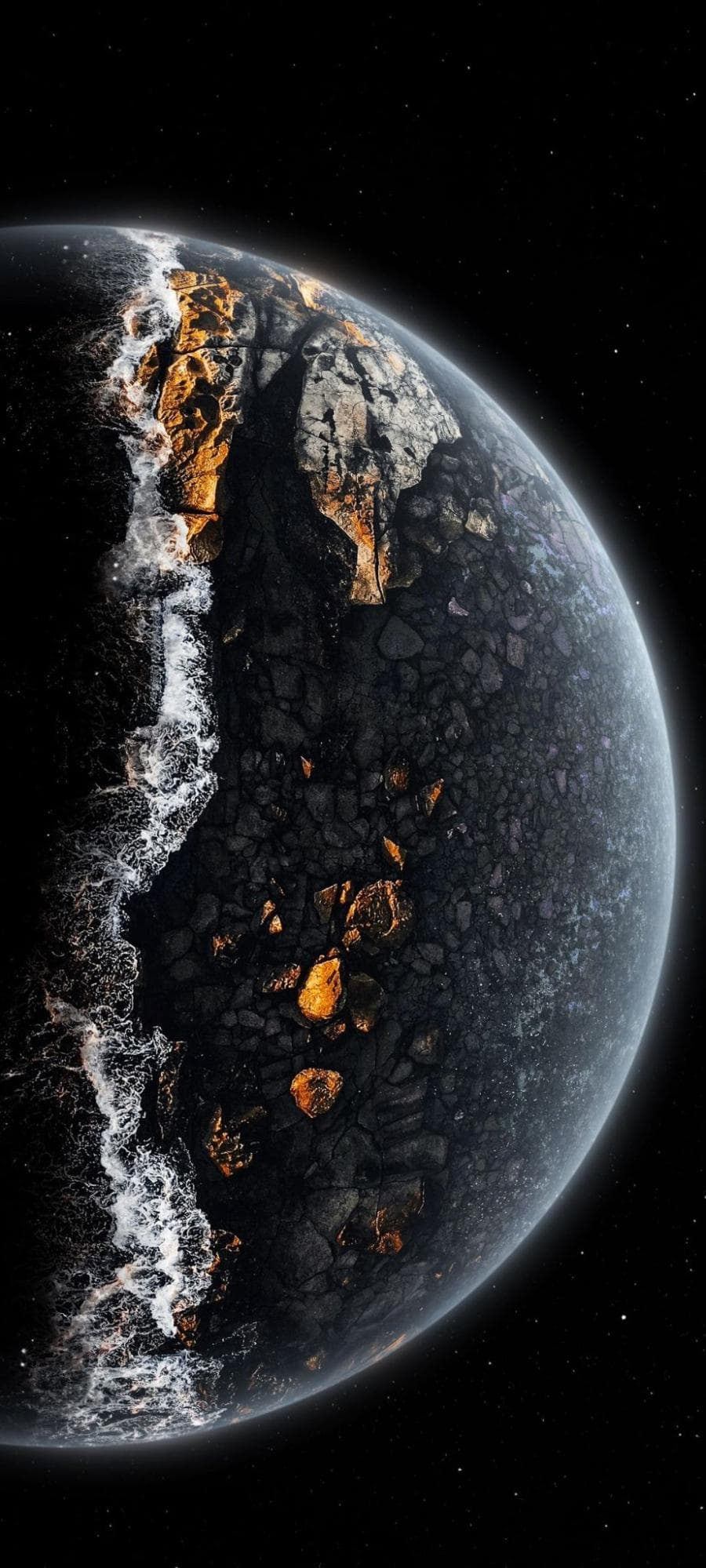
For those days when you need a mental break, high-quality textures or nature scenes are ideal. The key here is scale—a close-up texture of stone or wood is often less distracting than a complex forest scene.
For Long Hours: Dark Mode Backgrounds
If you work late or spend hours coding, a light, bright wallpaper can cause eye strain. Deep blues, dark grays, and blacks reduce the light emitting from the screen, making long sessions more comfortable.
Common Wallpaper Mistakes Designers Make
Even experienced professionals can overlook basic setup details. Here are the most common errors we see:
- Ignoring Aspect Ratio: You will encounter bad stretching or loss of detail if you use a 16:9 wallpaper on an ultrawide monitor. It is imperative to find visuals that match the exact ratio of your hardware to ensure a perfect fit.
- Overly Busy Backgrounds: Intricate illustrations look great as art, but as wallpapers, they often camouflage your tools and icons.
- Reusing Phone Wallpapers: Mobile wallpapers are portrait-oriented. Using them on a desktop usually means zooming in until the image quality degrades significantly.
- Low-Contrast Chaos: Choosing a wallpaper with high contrast (lots of stark blacks and whites together) can make it difficult to read file names on the desktop.
Designers downloading wallpapers for client work should always confirm usage permissions. Our commercial license guide explains how to use creative assets safely in professional projects.
How We Curated Wallpapers at Wallpezia
When we organized the collections at Wallpezia, we didn't just want to create a dump of images. We approached it from the perspective of someone sitting at a desk for eight hours a day.
It became evident to us that 'cool' is not synonymous with 'usable.' To address this, our curation process rigorously filters out the noise and compression artifacts often exposed by large creative monitors. Furthermore, we categorize files by their visual utility, keeping busy, detailed art separate from the clean, textural backgrounds that are practical for design work.
By focusing on high-resolution standards and categorizing images based on mood and utility rather than just subject matter, we aim to provide resources that solve the "blank canvas" problem rather than adding to the clutter.
Final Thoughts
Your desktop environment is a tool, just like your software or your sketchbook. It shouldn't be an afterthought. By selecting a wallpaper that offers high resolution, appropriate negative space, and a calming color palette, you create a digital space that supports your workflow rather than interrupting it.
Look at your current background. Is it pixelated or too busy? If so, it is time to find an image that supports your creative process instead.
Explore More Design Resources
Browse our full collection of high-quality free wallpapers designed for creative professionals.
Need transparent assets? Discover our curated PNG image library for design and development work.
Before using assets in commercial projects, review our license terms to stay compliant.