30 AI Wallpaper Prompts That Will Blow Your Mind
Discover 30 AI wallpaper prompts that will blow your mind! Create stunning 4K backgrounds for desktop & mobile with unique, creative, AI-generated designs.
Category: Artificial Intelligence / Digital Art
Date: March 10, 2026
Read Time: 10 Min Read
Are you tired of staring at the same old generic background on your phone or computer screen? The digital art world has experienced a massive shift, moving away from standard stock photos to stunning AI-generated backgrounds.
Today, anyone can be a digital artist. Whether you want a neon-lit futuristic city or a calm pastel landscape, an AI wallpaper allows you to bring your exact imagination to life. In this ultimate guide, we will explore exactly how to create AI wallpapers, the best tools to use, and give you a master list of AI wallpaper prompts to get you started immediately.
Why AI Wallpapers Are Transforming Digital Creativity
The rise of the AI image generator has completely changed how we customize our devices. We are no longer limited to what photographers or graphic designers have already published.
There is a massive personalization trend driving the demand for custom AI wallpapers. People prefer these over traditional images because they offer complete creative freedom. If you want aesthetic wallpapers featuring a specific color palette, you can generate them instantly. This wave ofAI creativity ideas is redefining modern mobile and desktop customization. By using AI-generated images, you can ensure your screen reflects your unique personality and style.
What Is an AI Wallpaper Generator? (Beginner’s Guide)
So, what is an AI wallpaper generator? Simply put, it is a software tool powered by artificial intelligence that turns your text descriptions into high-quality visual art.
Tools like Midjourney, Leonardo AI, Stable Diffusion, and Adobe Firefly use complex algorithms trained on millions of images. When you type in a description, they understand the context and instantly create unique AI images.
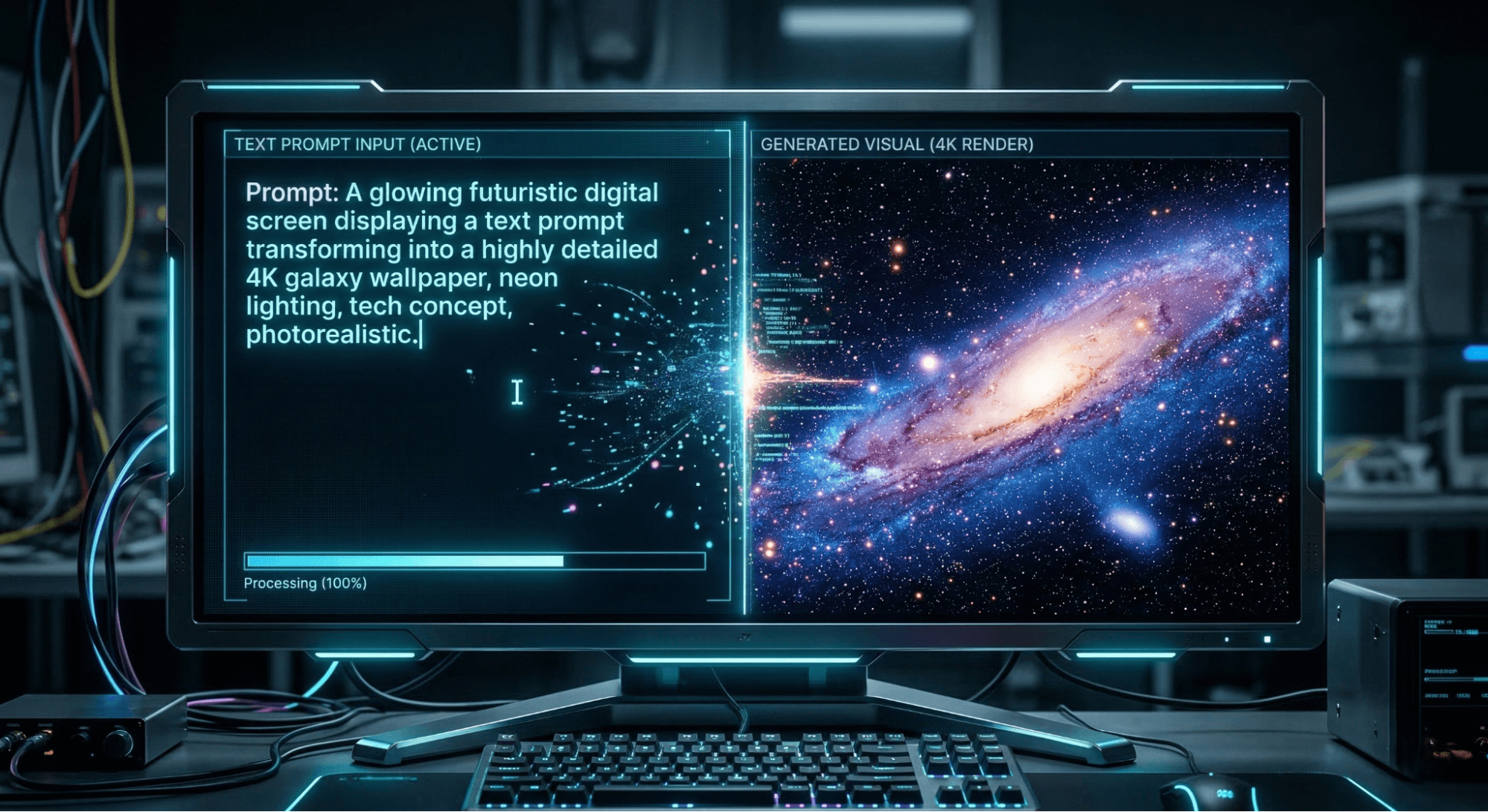
The main difference between traditional wallpapers and custom AI images is originality. Traditional wallpapers are pre-made, while AI tools create something entirely new every single time. As screens get sharper, the demand for 4K AI wallpaper is trending rapidly because these tools can now produce incredibly crisp, high-resolution outputs. If you are looking for AI wallpaper generator tips, the secret always lies in how well you write your prompt.
How to Create Custom AI Wallpapers in Minutes
You do not need to be a tech expert to master this. Here is how to use AI to create custom images step-by-step.
Step 1 – Choose an AI Wallpaper Generator
Start by selecting a platform. If you are on a budget, look for a free AI wallpaper generator to test the waters. Midjourney offers premium quality, while tools like Bing Image Creator offer great free alternatives.
Step 2 – Write an Effective AI Wallpaper Prompt
The text you type is your prompt. Learning how to write AI image prompts is crucial. You must be specific about the subject, style, and mood to get the best results.
Step 3 – Select Style, Resolution, and Lighting
Before hitting generate, specify your AI image styles. Do you want cartoon style AI images or photorealistic AI images? Always request high resolution for a crisp finish.
Step 4 – Generate and Download Your AI Wallpaper
Once the AI works its magic, pick your favorite variation. You can easily create anAI wallpaper for desktop and mobile by adjusting the aspect ratio before downloading.
Learn the steps to customize wallpapers on popular operating systems without third-party apps here.
How to Write Powerful AI Wallpaper Prompts
Writing the perfect prompt is an art form. If you want to know how to create effective AI prompts, you need to understand the basic building blocks.
Key Elements of a Perfect AI Prompt
To avoid getting messy or confusing results, your AI art prompts should include:
- Subject: What is the main focus?
- Art Style: Is it an AI-generated Impressionist style or a vintage art wallpaper AI?
- Lighting: Use terms like cinematic lighting AI prompts or dramatic lighting in AI images.
- Camera Angle: Wide shot, macro, or aerial view?
- Resolution: Always specify 4K, 8K, orultra HD AI images.
- Mood: Is the vibe dark and gloomy or bright and cheerful?
AI Prompt Formula for Beginners
If you are wondering what are AI image prompts, they follow a simple structure. Here is a foolproof AI image prompt checklist:
Formula: Subject + Style + Environment + Lighting + Details + Resolution
Example: Cyberpunk city at night, neon lights reflecting on wet streets, cinematic lighting, ultra detailed, 4K resolution.
Using this formula guarantees best AI prompts every time, making it one of the top AI prompt writing tips for newcomers.
AI Wallpaper Prompt Formula (Use This Structure)
Use this simple, advanced structure when writing prompts for an AI wallpaper generator to get perfectly sized backgrounds without cropping or stretching: Subject + Style + Environment + Lighting + Details + Resolution + Aspect Ratio + Device Type
📱 Example Prompt for Mobile Wallpaper Add these words at the end of the prompt: vertical wallpaper, 9:16 aspect ratio, smartphone wallpaper. Example: Dreamy fantasy floating islands above clouds, magical glowing waterfalls, soft sunset lighting, ultra detailed, 4K resolution, 9:16 aspect ratio, vertical smartphone wallpaper.
💻 Example Prompt for Desktop Wallpaper Add: 16:9 aspect ratio, desktop wallpaper, ultra-wide background. Example: Snowy mountain landscape at sunrise with golden light, realistic photography style, cinematic lighting, ultra detailed, 4K resolution, 16:9 aspect ratio, desktop wallpaper.
📲 Example Prompt for Tablet Wallpaper Add: 4:3 aspect ratio, tablet wallpaper, high-resolution background. Example: Minimalist ocean horizon with pastel sky gradient, calm aesthetic style, soft lighting, ultra detailed, 4K resolution, 4:3 aspect ratio, tablet wallpaper.
30 AI Wallpaper Prompts That Will Blow Your Mind
Ready to get creative? Here are some of the top crazy AI image prompts that work. Simply copy, paste, and watch the magic happen!
Dreamy & Fantasy AI Wallpaper Prompts
If you love magic and wonder, these fantasy AI prompts are perfect for you.
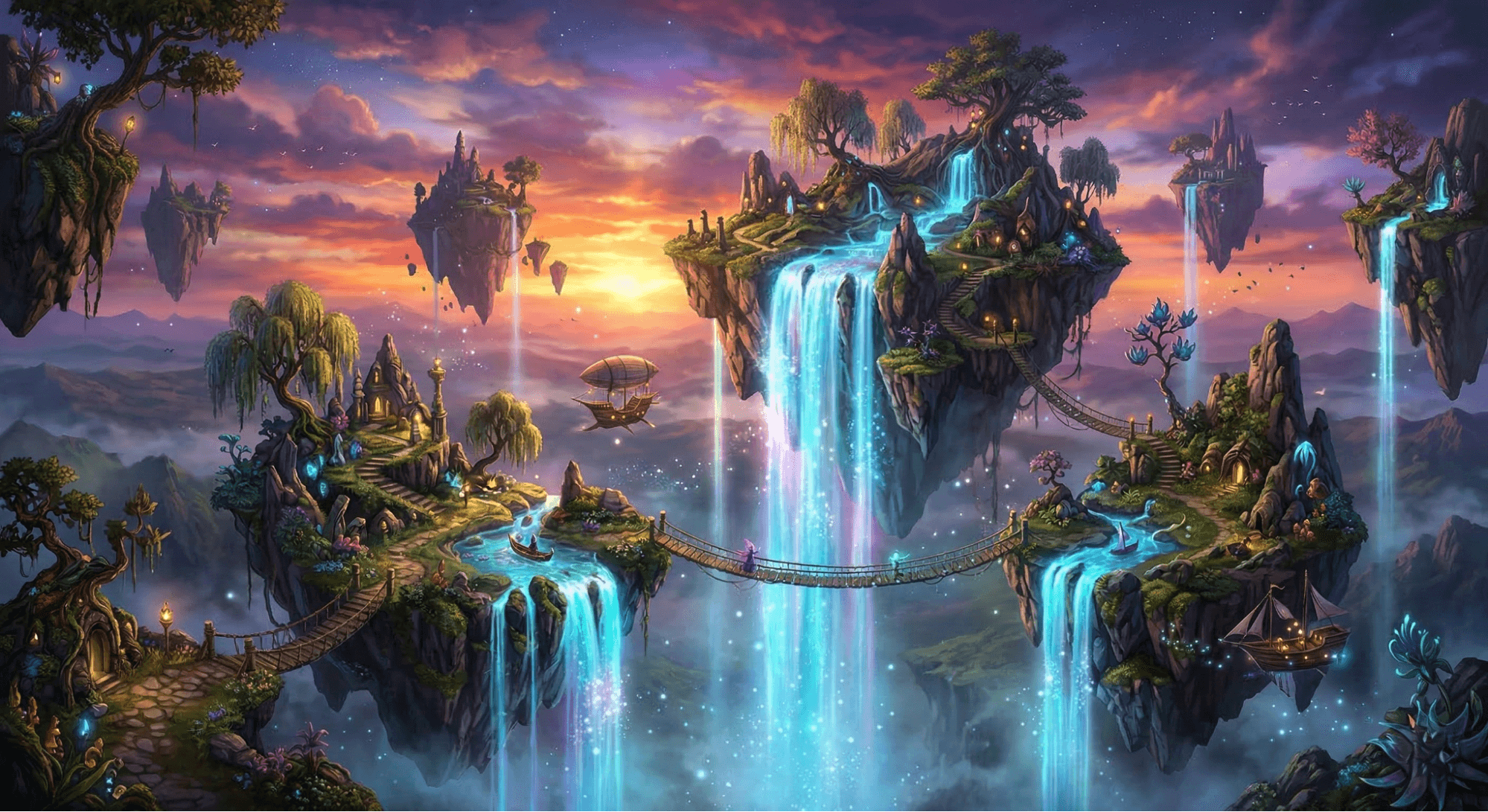
- Floating islands with glowing waterfalls at sunset, fantasy art AI prompts style, ultra-detailed, 4K wallpaper.
- Crystal castle above the clouds, magical sky, ethereal AI effects, 8K resolution.
- Giant glowing moon over an enchanted forest, dreamy fantasy AI wallpaper, glowing flora.
- Dragon flying through a purple galaxy sky, AI-generated fantasy scenes, epic scale.
- Ancient floating temples surrounded by stardust, magical realism AI photos, highly detailed.
Nature & Landscape AI Wallpaper Prompts
Bring the outdoors inside with stunning nature & landscape AI wallpaper ideas.
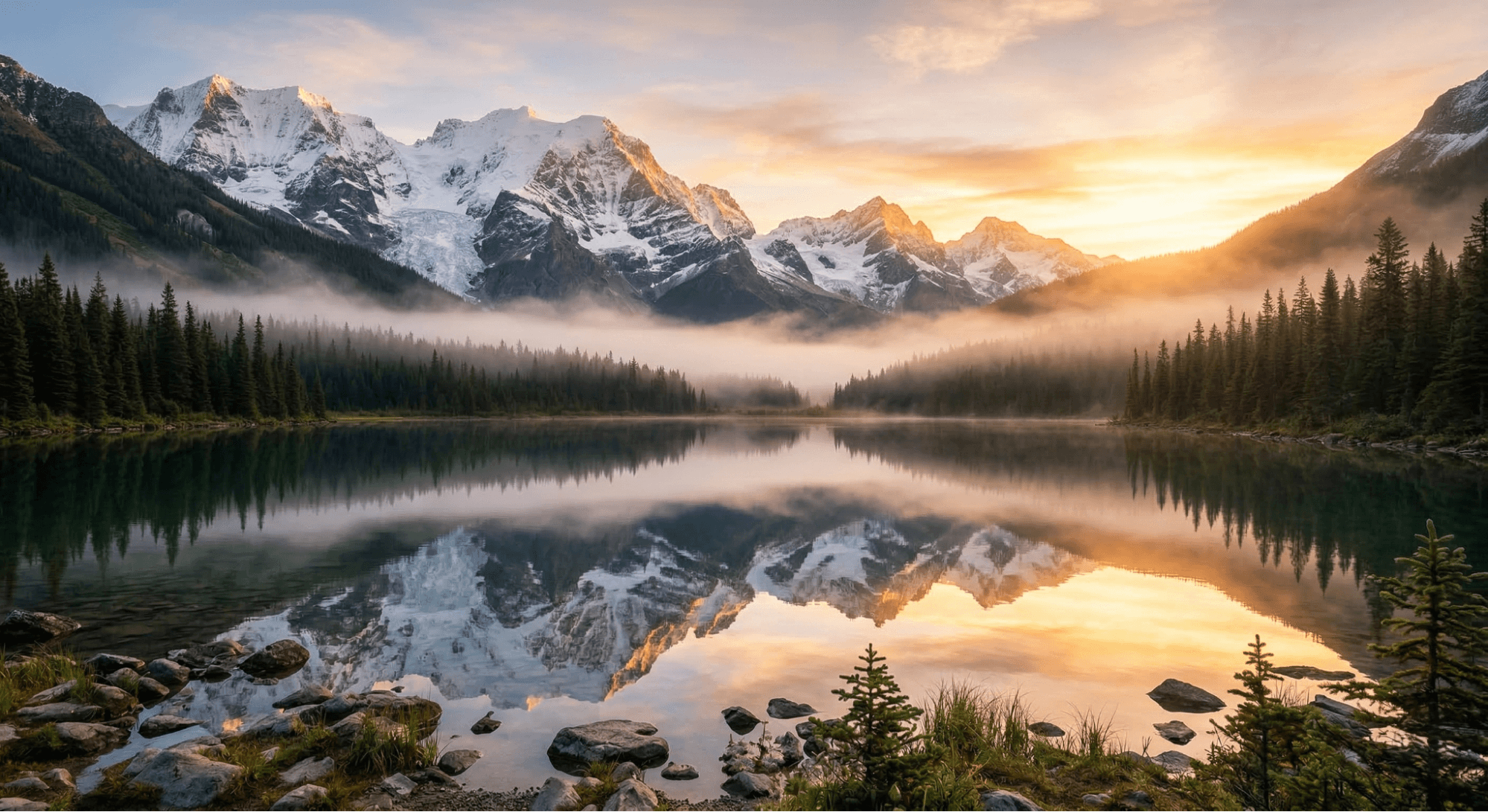
- Misty mountain valley at sunrise with golden light, AI prompts for nature and landscapes.
- Crystal clear lake reflecting snowy mountains, 4K nature backgrounds AI, ultra-realistic.
- Tropical island with glowing bioluminescent waves, night photography, 4K.
- Endless lavender fields under a pink sunset sky, surreal AI landscape.
- Arctic aurora borealis over a frozen lake, AI nature photo prompts, breathtaking view.
Cyberpunk & Sci-Fi AI Wallpaper Prompts
For a futuristic vibe, try a cyberpunk AI wallpaper.
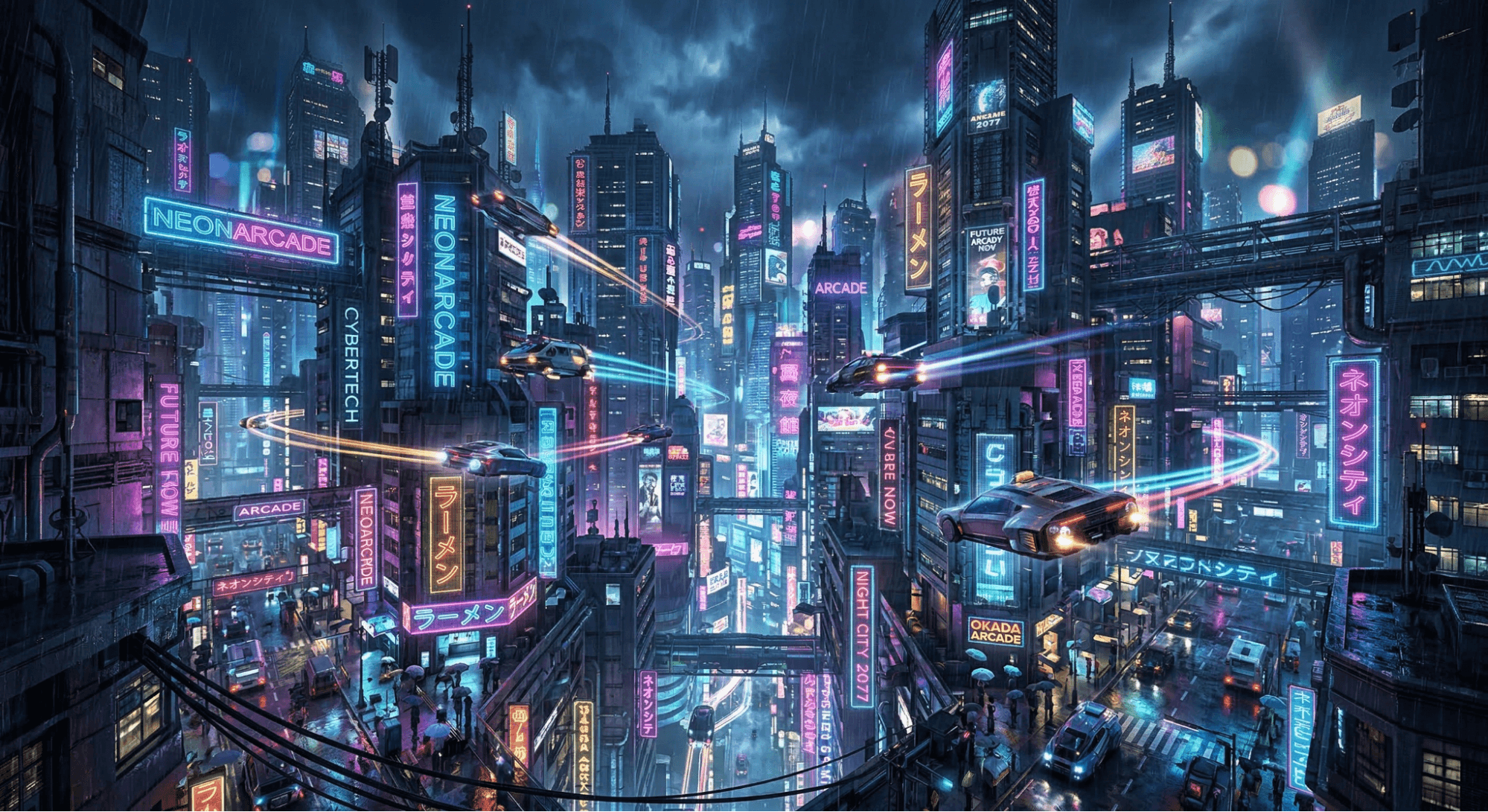
- Neon cyberpunk city street in heavy rain, cyberpunk cityscape wallpaper AI, cinematic lighting.
- Futuristic skyline with flying cars and holograms, AI prompts for cities and architecture.
- Astronaut floating above a neon planet, highly detailed sci-fi art.
- Space station orbiting a glowing blue star, cinematic AI image prompts.
- AI-controlled mega city at night, glowing circuits, dark background.
Anime-Inspired AI Wallpaper Prompts
Fans of Japanese animation will love these anime AI image prompts.
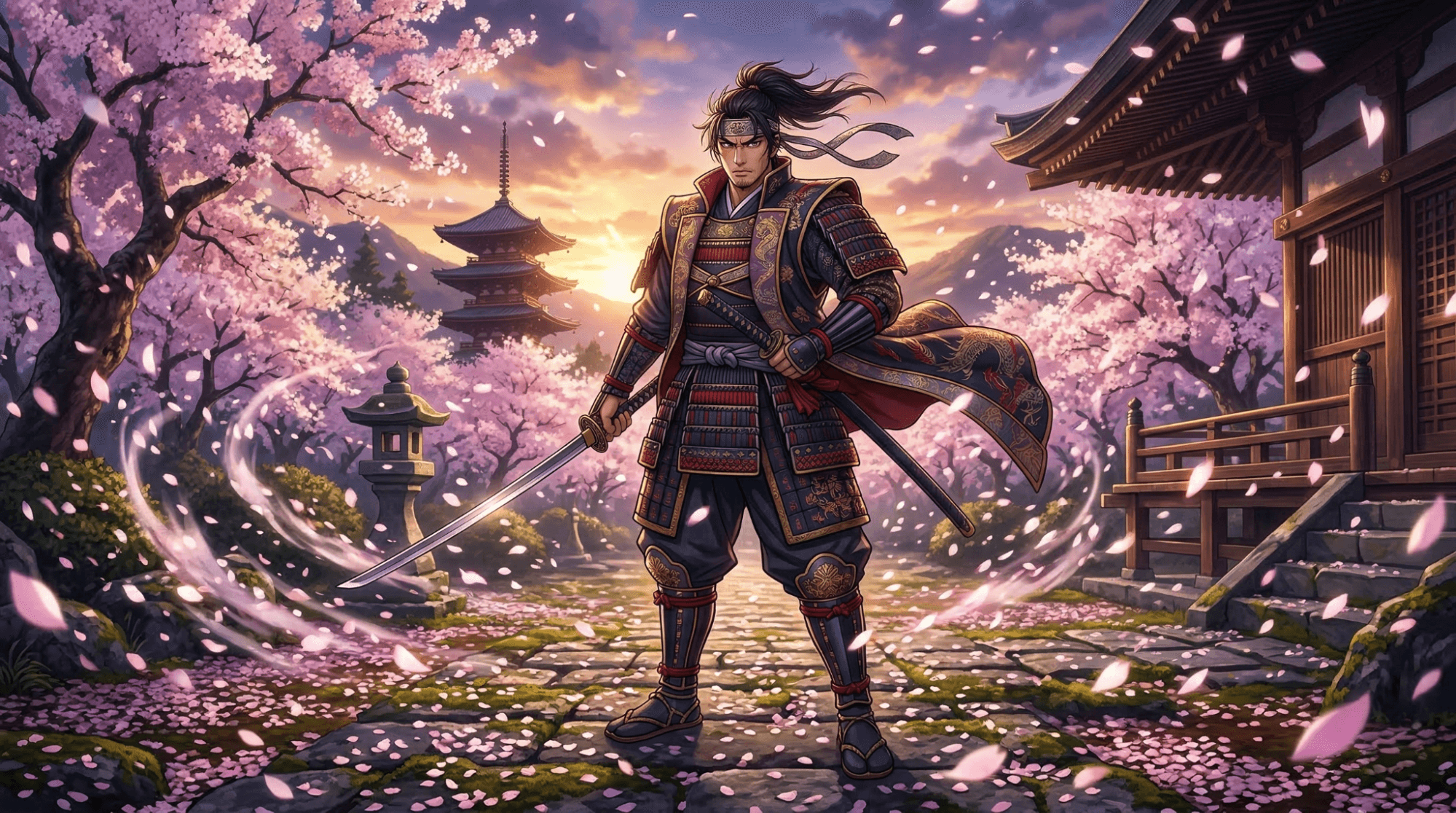
- Anime samurai standing in a cherry blossom storm, anime AI wallpaper, studio quality.
- Cyber anime girl with glowing neon eyes, highly detailed vector art.
- Anime city sunset with pastel sky, anime-inspired wallpaper AI, calming vibe.
- Studio-Ghibli-style magical forest scene, lush green lighting.
- Anime hero overlooking a futuristic Tokyo skyline, epic lighting.
Minimalist & Aesthetic AI Wallpaper Prompts
Keep your screen clean with a minimalist wallpaper AI.
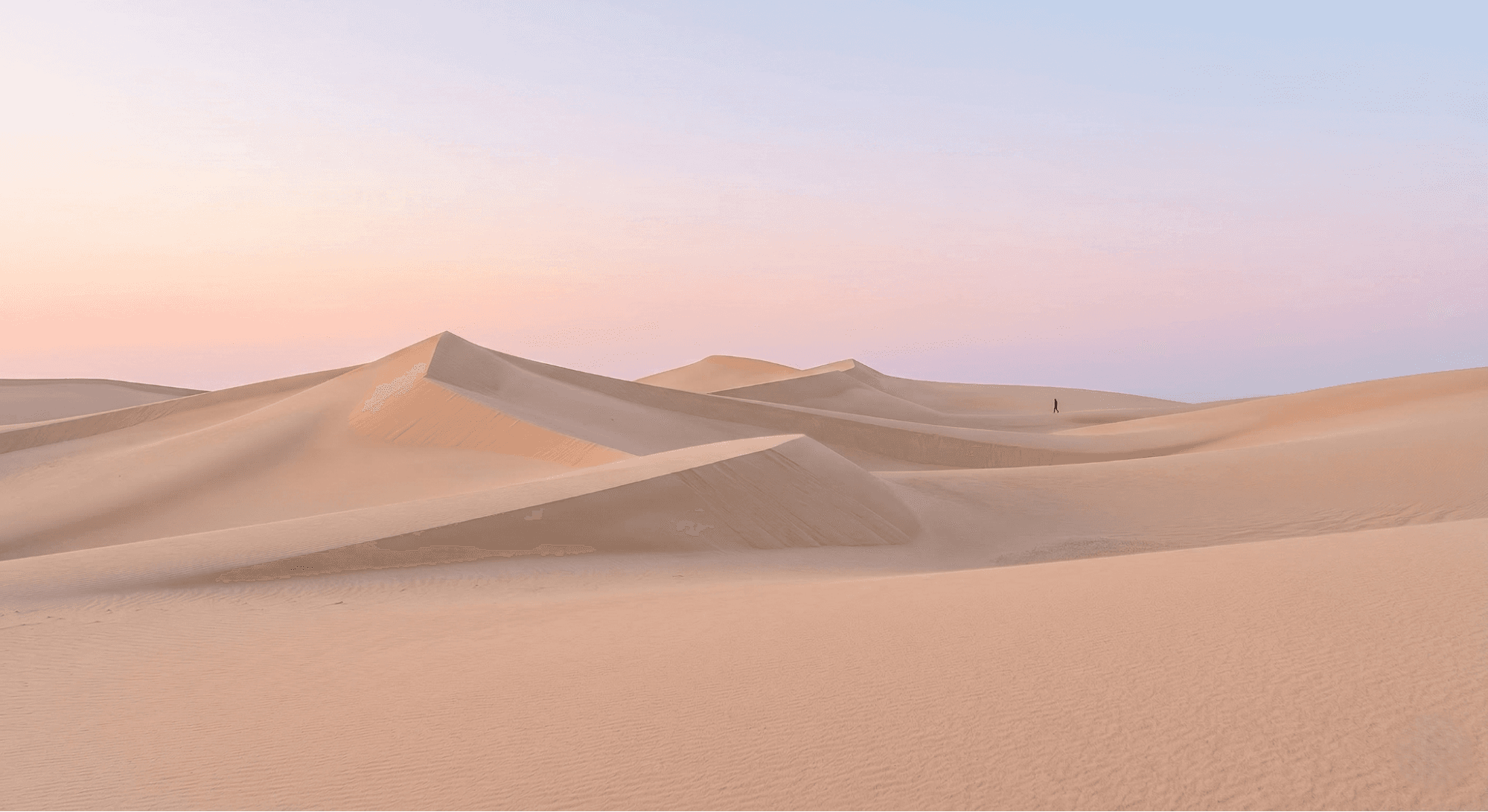
- Minimalist desert landscape with a soft pastel sky, simple shapes, 4K.
- Abstract geometric shapes with soft shadows, AI prompts for abstract and artistic images.
- Calm ocean horizon with a pastel gradient sky, aesthetic wallpapers.
- Single tree on a minimalist hill at sunset, flat vector style.
- Floating sphere in a minimalist white space, extremely clean and modern.
Surreal & Conceptual AI Wallpaper Prompts
Want something mind-bending? Try a surreal & conceptual wallpaper.
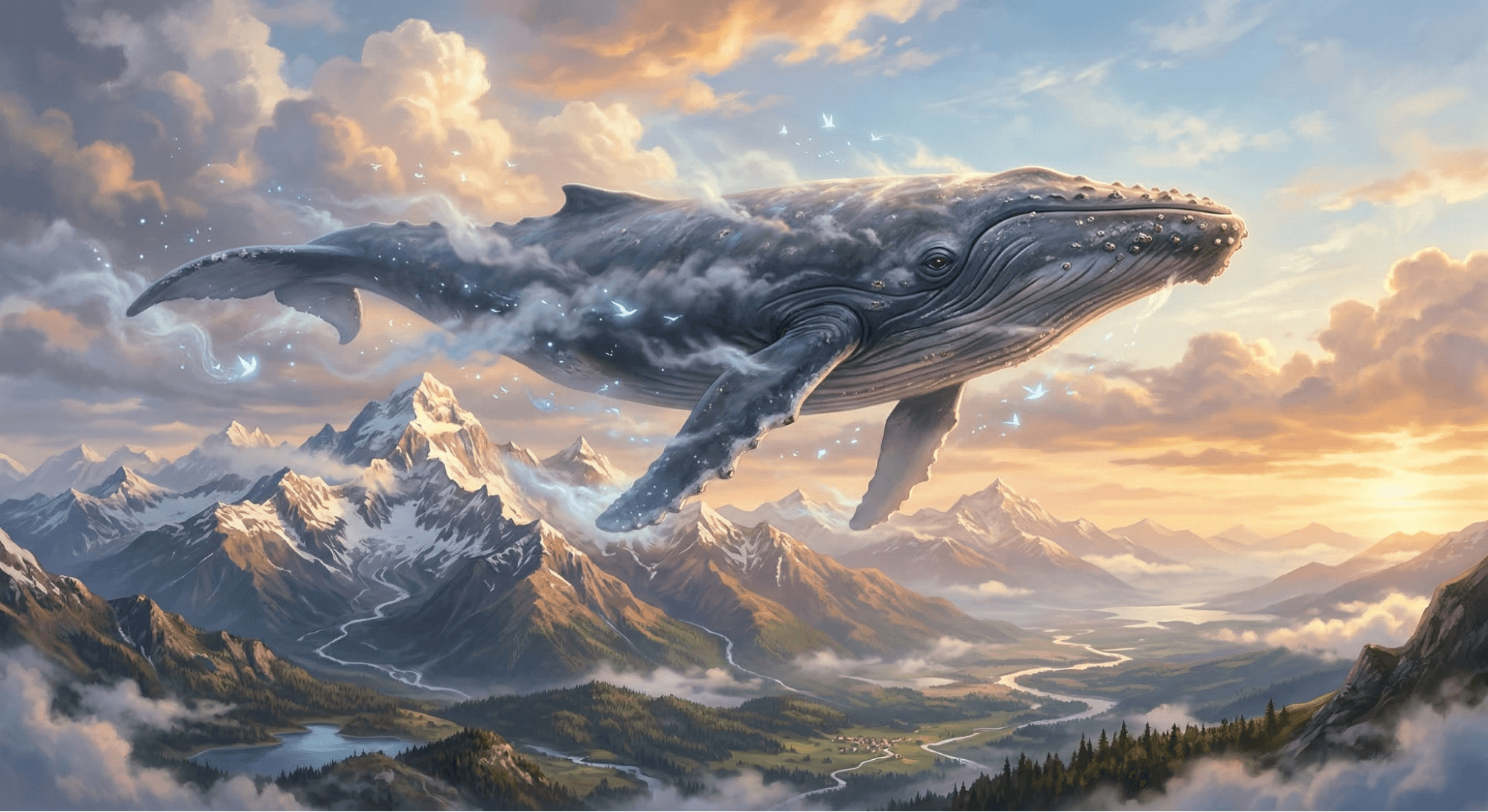
- Giant whale swimming through the sky above mountains, AI-generated surreal images.
- Clock towers melting in a desert landscape, Salvador Dali style,whimsical AI wallpapers.
- Astronaut sitting on the moon reading a book, AI-generated surreal fantasy images.
- Floating staircase leading into the clouds, AI prompts for surreal transformations.
- City buildings growing like trees, weird AI image prompts, hyper-detailed.
Best Free AI Wallpaper Generators to Try
You don’t have to spend money to get started. When looking for free AI image generators, consider these top platforms:
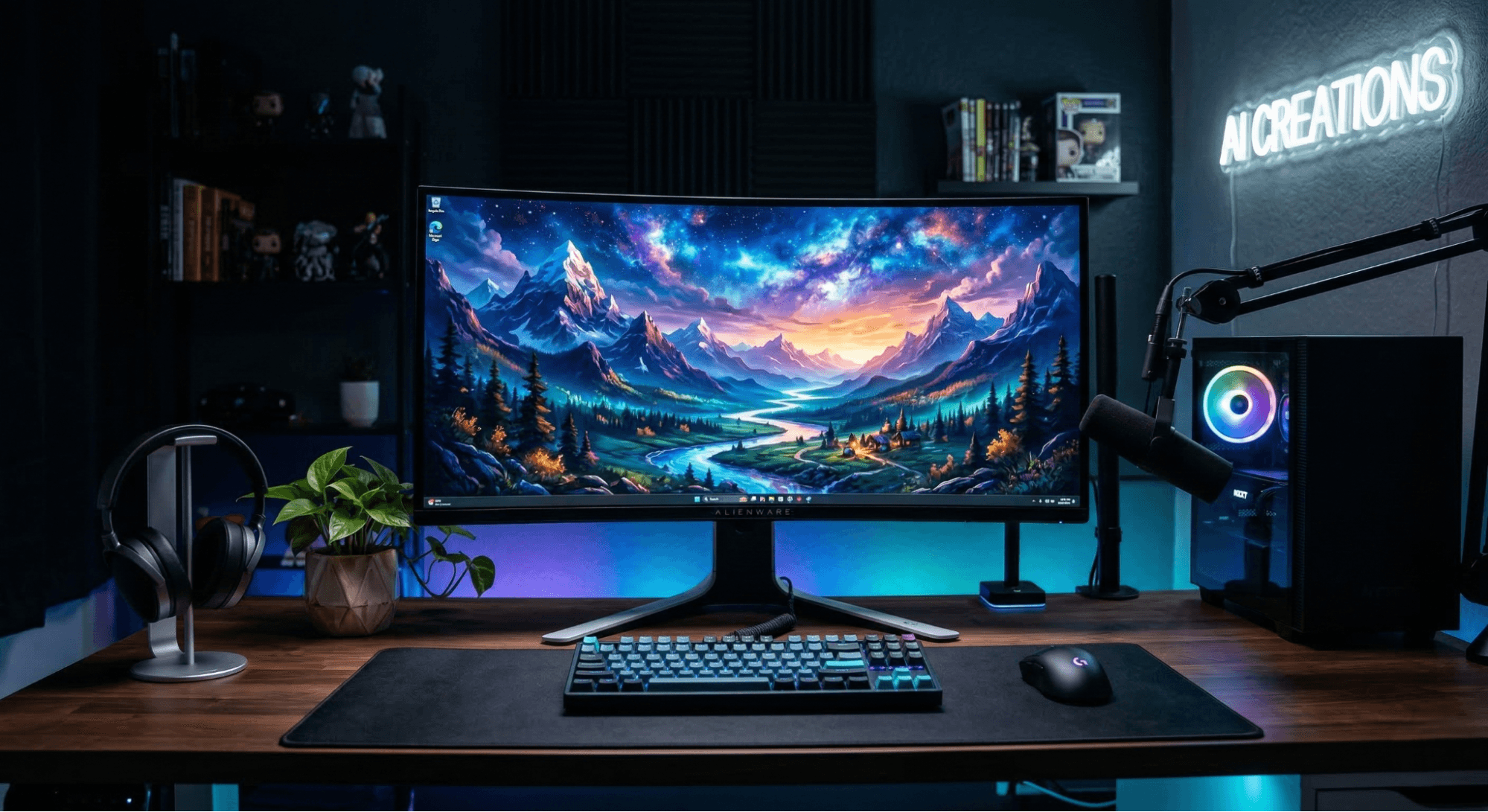
- Midjourney: Known for the best AI prompts for creativity and stunning artistic quality.
- Leonardo AI: Excellent for AI photo editing and gaming assets.
- Stable Diffusion: A great open-source option for AI tools like Midjourney, Leonardo, Stable Diffusion, Adobe Firefly.
- Adobe Firefly: Perfect for safe, commercial-use text-to-image generation.
- DALL-E 3: Incredible at understanding complex and crazy AI prompts.
Tips to Generate High-Quality 4K AI Wallpapers
To ensure your backgrounds look professional, follow these AI image prompt tips:
- Specify Resolution: Always add terms like "4K," "8K," or "highly detailed" to your prompt.
- Use Lighting Terms: To avoid flat images, use AI prompts for photorealistic results by adding phrases like "studio lighting" or "golden hour."
- Experiment with Media: Try differentAI artistic media like oil paint, watercolor, or charcoal.
- Focus on Detail: If you want a close-up, use macro details AI prompts.
Exploring Different AI Art Styles and Media
To truly master prompt writing, you should experiment with different AI art styles. You can generate a dark academia wallpaper for a moody library vibe, or an AI-generated Gothic medieval style castle.
You can even mimic history with AI using famous artist styles or create an AI-generated Renaissance style portrait. If you want something expressive, try an AI-generated Expressionist style prompt. Exploring differentAI photography styles allows you to create everything fromphotorealistic AI portraits to magical realism AI photos.
Image-to-Image AI and Photo Transformations
Did you know you don't have to start from scratch? Using Image-to-Image AI prompts, you can upload an existing photo and let the AI reimagine it.
This process, known as AI photo transformation, is huge for social media. You can use AI photo prompt ideas for viral content to turn a basic selfie into a stunning piece of art. People are usingAI viral photo prompts to create unique AI selfie prompts or undergo an AI portrait transformation.
Whether you need AI photo-to-photo conversion for an avatar or AI cinematic photo transformation to make your pictures look like movie stills, the possibilities are endless. You can even use AI prompts for everyday objects or AI prompts for food photography to enhance your daily snaps!
Where to Download High-Quality Wallpapers Safely
While generating your own is fun, sometimes you just want to browse curated collections. Platforms like Wallpezia provide curated collections of wallpapers, images, PNGs, and digital creative assets that users can explore for inspiration.
Here, you can easily find:
- Free wallpaper and premium Wallpapers
- Free PNGs and transparent PNGs
- Free Ringtones and trending Ringtones
- Free images and high-quality stock Images
Discover the best online platforms to download free high-quality PNGs and learn how to safely download high-resolution wallpapers from popular sites here.
The Future of AI Wallpapers and Beyond
Looking ahead to AI wallpaper ideas for the future, the focus will shift heavily toward personalized wallpapers that adapt to your mood and time of day. We will see smarterAI image composition where tools perfectly align subjects so they aren't hidden behind your desktop icons or phone clock.
Expect to see massive growth in AI prompts for Midjourney / Leonardo / Google Gemini aimed at creating dynamic, animated backgrounds rather than just static images.
Learn How to Set Dynamic Wallpapers That Change Automatically on Windows or Mac? to keep your screen fresh."
Conclusion: Unlock Your Creativity with AI Wallpapers
We have officially entered an era where your imagination is the only limit to your digital aesthetics. From a retro & vintage wallpaper AI to cinematic AI images, learning how to utilize an AI wallpaper generator opens up a world of endless customization.
Whether you are experimenting with weird AI image prompts, designing AI prompts for marketing and branding visuals, or just creating AI-generated funny images to share with friends, the technology is here for everyone.
Don't be afraid to combine AI prompts for fantasy effects or explore how to combine weird ideas in AI. And remember, if you ever need a break from prompting, you can always visit platforms that offer curated assets to instantly download high-quality wallpapers, PNGs, images, and ringtones. Start generating your masterpiece today!
Further Reads:
- Understand the fundamentals of creating AI art by exploringPrompt Basics in MidJourney.
- Learn all about DALL‑E 3, OpenAI's advanced AI image generator, and how it creates stunning visuals effortlessly.
Frequently Asked Questions About AI Wallpapers
Q: What is an Image-to-Image AI?
A: What is Image-to-Image AI? It is a technology where you upload an existing image, and the AI uses it as a base reference to generate a new image based on your text prompt.
Q: How to make custom AI wallpapers?
A: How to make custom AI wallpapers? Choose an AI generator, write a descriptive prompt including subject, style, and resolution, generate the image, and download it in your device's aspect ratio.
Q: Can AI wallpapers be used commercially?
A: Can AI wallpapers be used commercially? It depends on the platform. Adobe Firefly is designed for commercial use, while others like Midjourney require a paid subscription for commercial rights.
Q: Do I need design skills for AI wallpapers?
A: Do I need design skills for AI wallpapers? No! You just need creativity and an understanding of how to describe what you want in text form.
Q: What are the best AI wallpaper prompts for desktop?
A: The best AI wallpaper prompts for desktop usually specify a 16:9 aspect ratio, 4K resolution, and feature wide, sweeping landscapes or highly detailed AI prompts for cities and architecture.
Q: How do I make my AI images go viral?
A: How to make photos go viral with AI? Use AI creative photo prompts that blend unexpected elements, like animals doing human jobs AI prompts or combining historical figures in AI images with modern settings.
Q: How to generate AI images for free?
A: How to generate AI images for free? You can use free tiers of platforms like Bing Image Creator, Leonardo AI, or Craiyon to generate high-quality images without paying.
Q: What are the best tools for photo transformation?
A: The best AI tools for photo transformation include Midjourney (for artistic flair), Leonardo AI (for detailed control), and specific AI prompts for Instagram Reels and social media built into apps like Lensa.
@All assets in this blog are sourced from Wallpezia