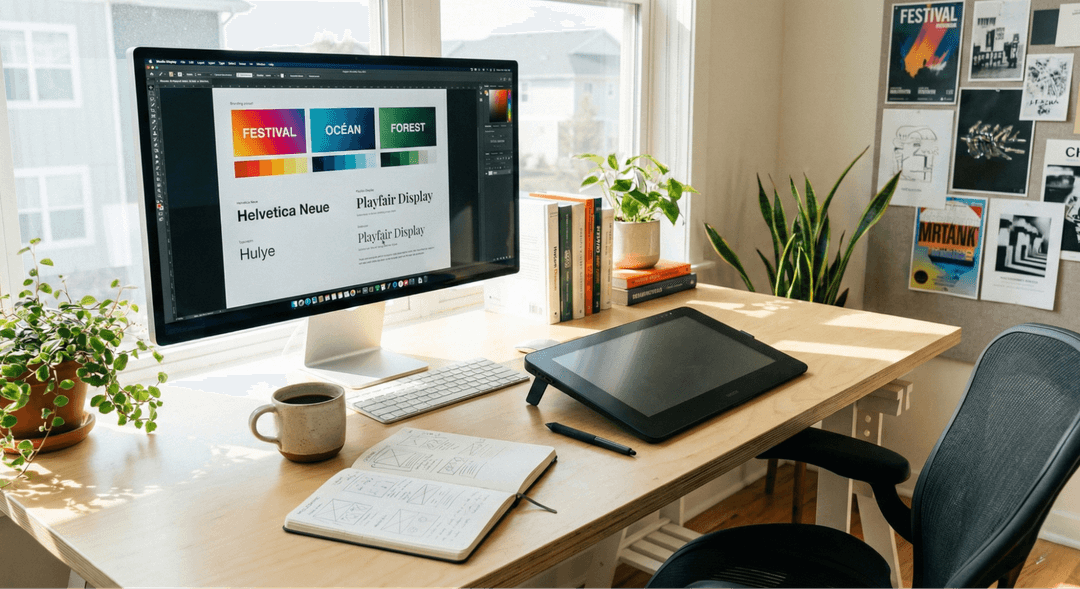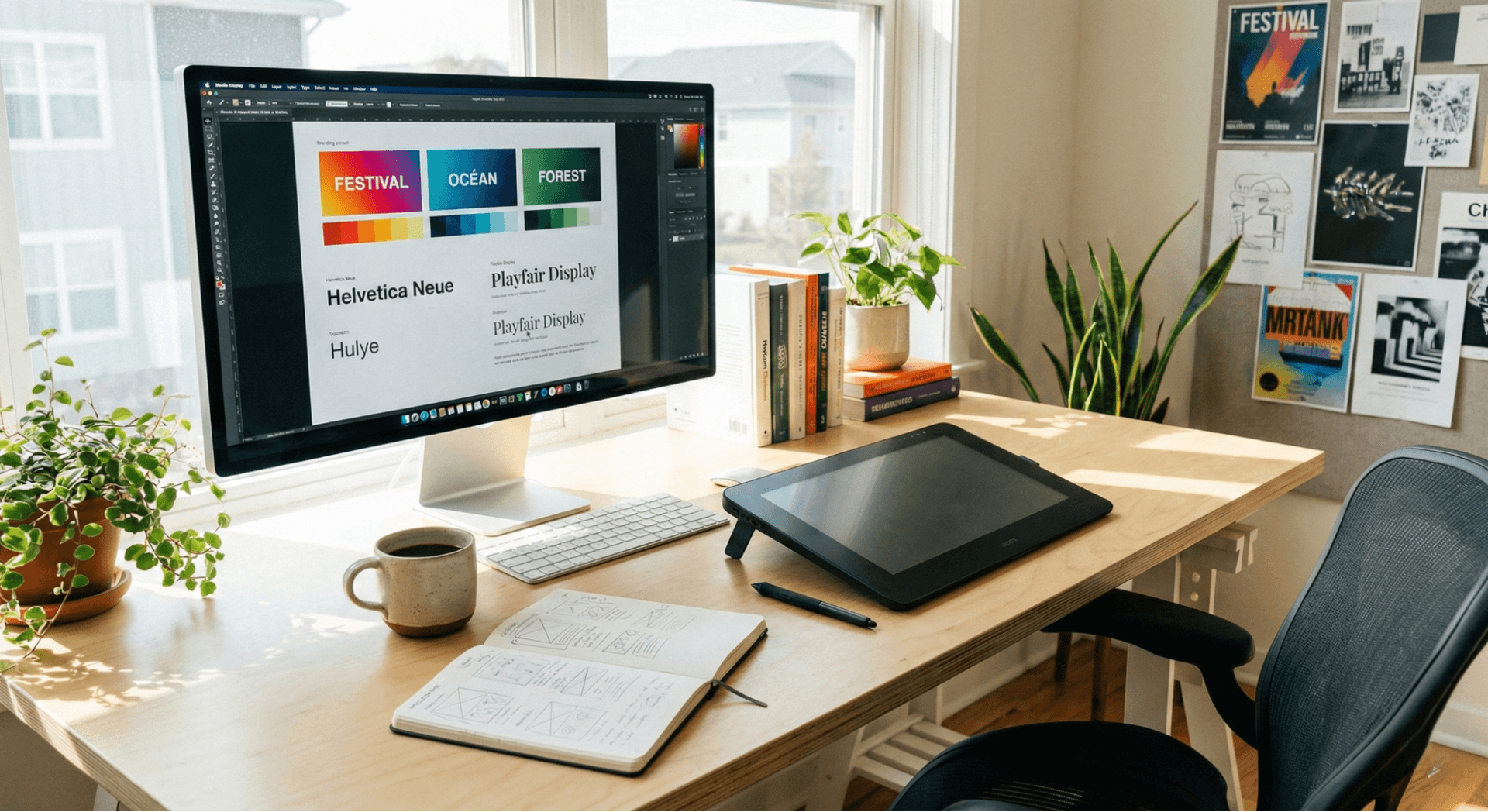
Learning graphic design is no longer just for professionals working in high-end creative agencies; it has become an essential life skill in our highly visual digital landscape. Whether you are looking to build a compelling personal brand, unlock lucrative freelance opportunities, or simply improve your everyday visual communication, mastering the basics of design can open countless doors. This guide is specifically tailored for aspiring designers, creatives, students, and professionals looking to enhance their digital skills. If you are anyone interested in aesthetic and functional visual content creation, you are in the right place. Let’s dive into how you can start your journey in beginner graphic design today.
1. Understand Graphic Design Fundamentals
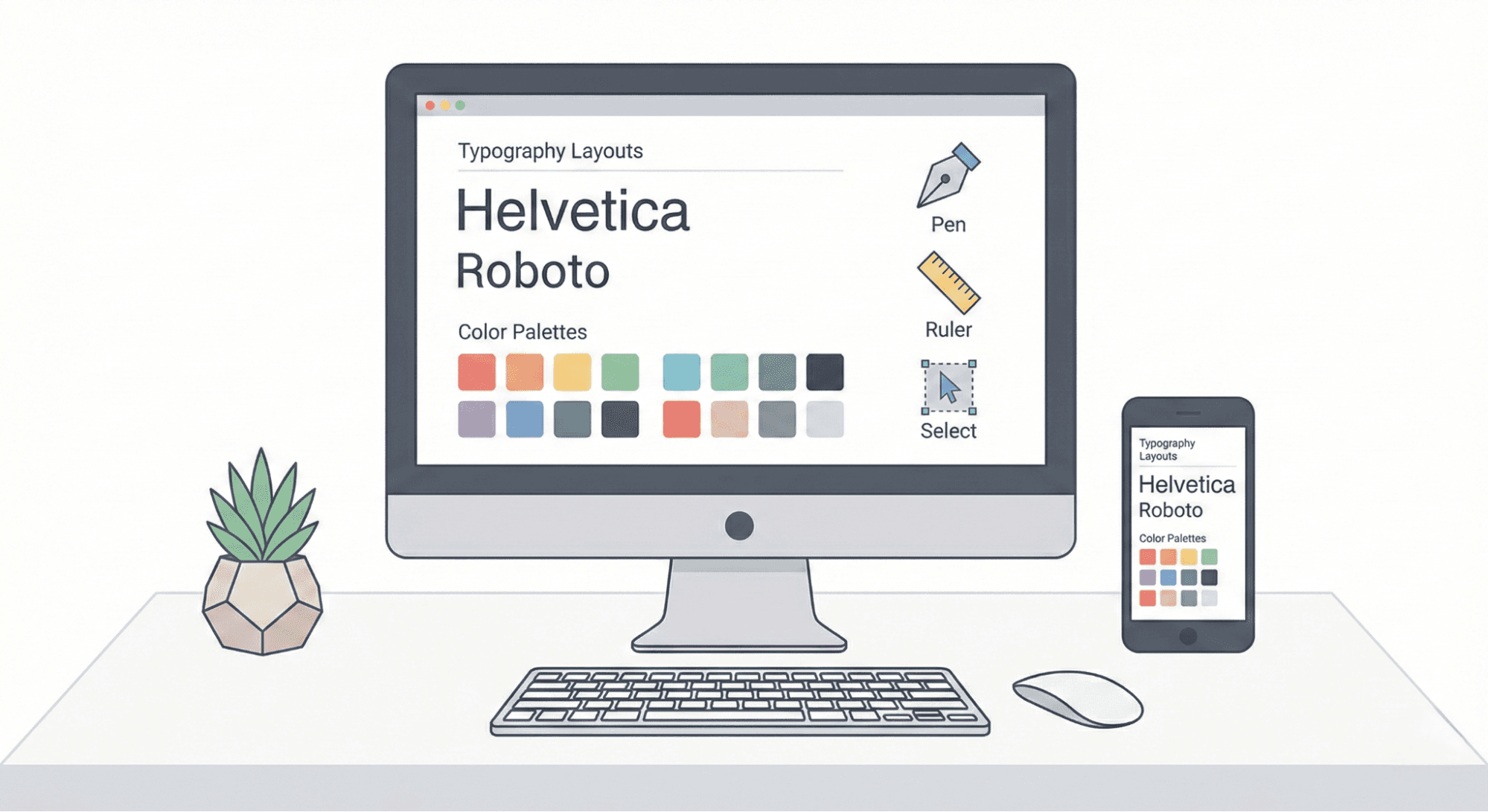
Overview: Before you ever touch a piece of software, you need to understand the core principles of design. Concepts like color theory, typography, composition, and visual hierarchy are foundational because they dictate how effectively your design communicates its message. Without these basics, even the most advanced tools won't save a poor layout.
Key Features / Learning Points:
- Basic design principles: Balance, alignment, repetition, and contrast. If you want a deeper dive into these core concepts, exploring the 7 principles of graphic design is an excellent starting point.
- Color schemes and contrasts: Understanding the color wheel, complementary colors, and psychological impacts.
- Typography essentials: Pairing fonts, tracking, leading, and readability.
- Layout and composition basics: Using grids, the rule of thirds, and negative space.
Best Platforms to Learn: YouTube tutorials, free online courses (like Coursera or Skillshare), and beginner textbooks on design theory.
Pros and Cons:
- Pros: Builds a strong, unbreakable foundation; easy to start; thousands of free resources available.
- Cons: Requires patience and practice; the theory may seem overwhelming at first.
Who Should Start Here: Anyone completely new to graphic design who wants to learn how to create digital art that makes sense visually.
2. Choose the Right Graphic Design Tools
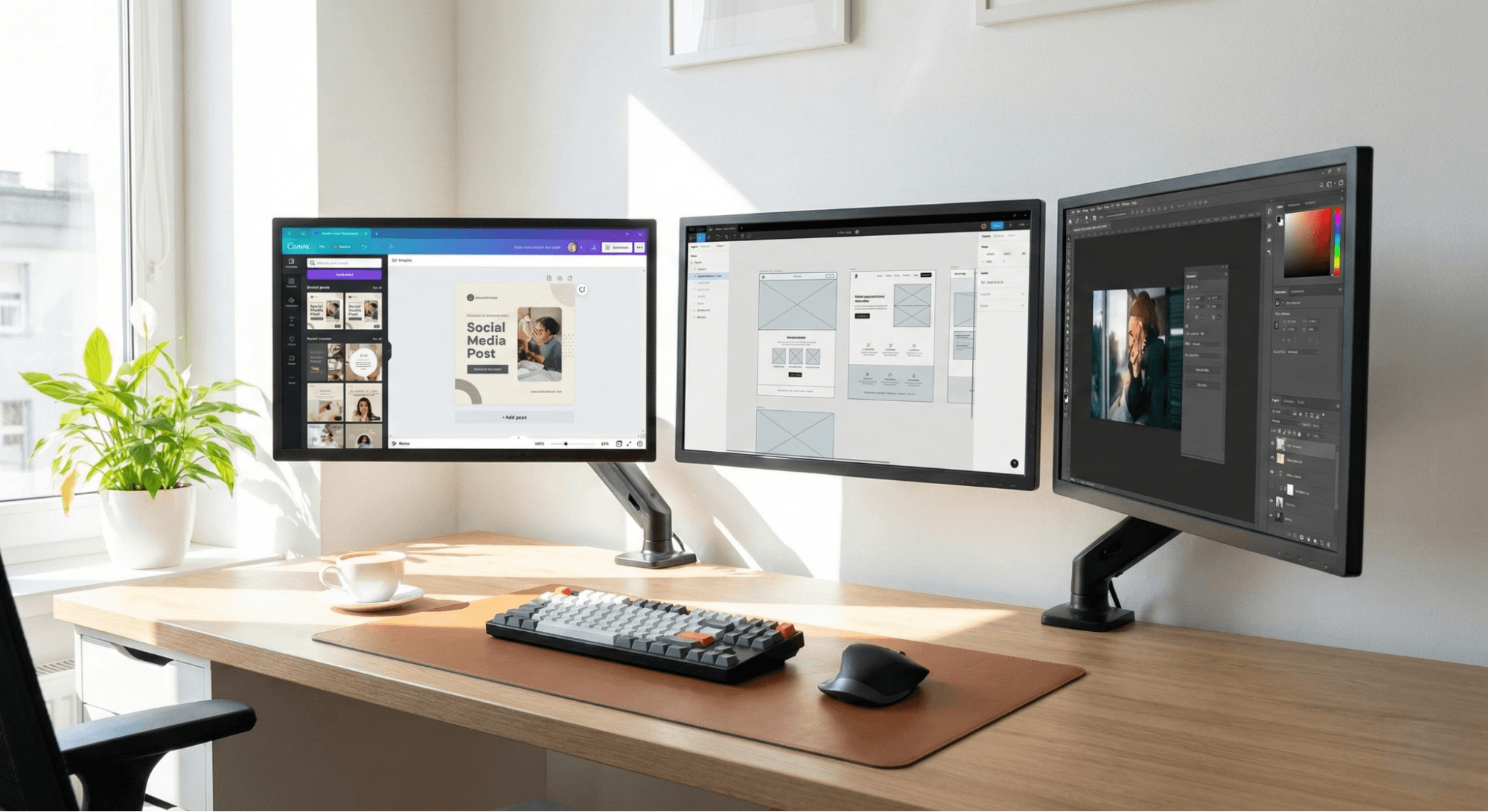
Overview: Once you grasp the theory, it is time to pick your tools. You don't need expensive industry-standard software right away. Introduce yourself to beginner-friendly platforms like Canva, Figma, Adobe Express, or GIMP, which have lowered the barrier to entry for creative skills.
Key Features:
- Drag-and-drop interface: Perfect for learning without coding or complex menus.
- Templates: Pre-sized layouts for social media, posters, and presentations.
- Vector editing and prototyping: For Figma or Adobe Illustrator, allowing for scalable graphics.
Free vs Premium: Most beginner tools offer robust free tiers. Free versions are excellent for learning the ropes, while premium upgrades (which unlock advanced templates, background removers, and brand kits) are useful once you start freelancing.
Best Use Cases: Social media posts, mockups, basic UI/UX wireframes, and digital presentations.
Pros and Cons:
- Pros: Intuitive, quick learning curve, heavily template-driven.
- Cons: Can be restrictive for highly complex, custom illustrations.
3. Learn About Visual Inspiration & Trends
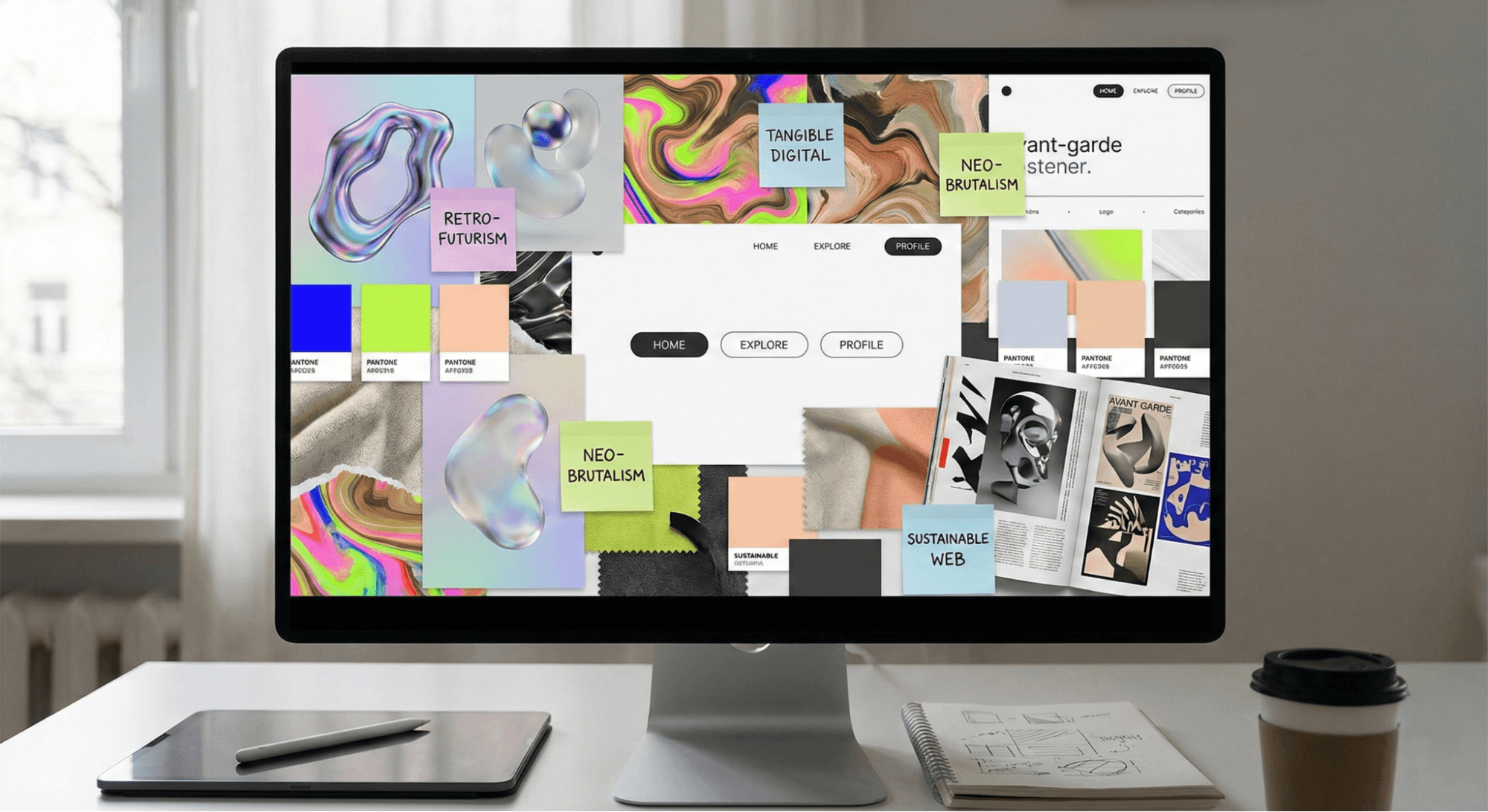
Overview: A great designer never creates in a vacuum. Following current trends, creating mood boards, and actively participating in design communities will help you develop an eye for what works and what looks outdated.
Key Features:
- Inspiration Hubs: Pinterest, Dribbble, and Behance are goldmines for visual ideas.
- Trend tracking: Staying updated on movements like minimalism, 3D design, brutalism, and AI-generated art.
Best Use Cases: Aspiring designers, content creators, and social media managers looking to keep their content fresh and engaging.
Pros and Cons:
- Pros: Sparks creativity, helps overcome designer’s block, connects you with industry standards.
- Cons: Can lead to "imposter syndrome" or copying rather than creating original work.
4. Practice with Real Projects
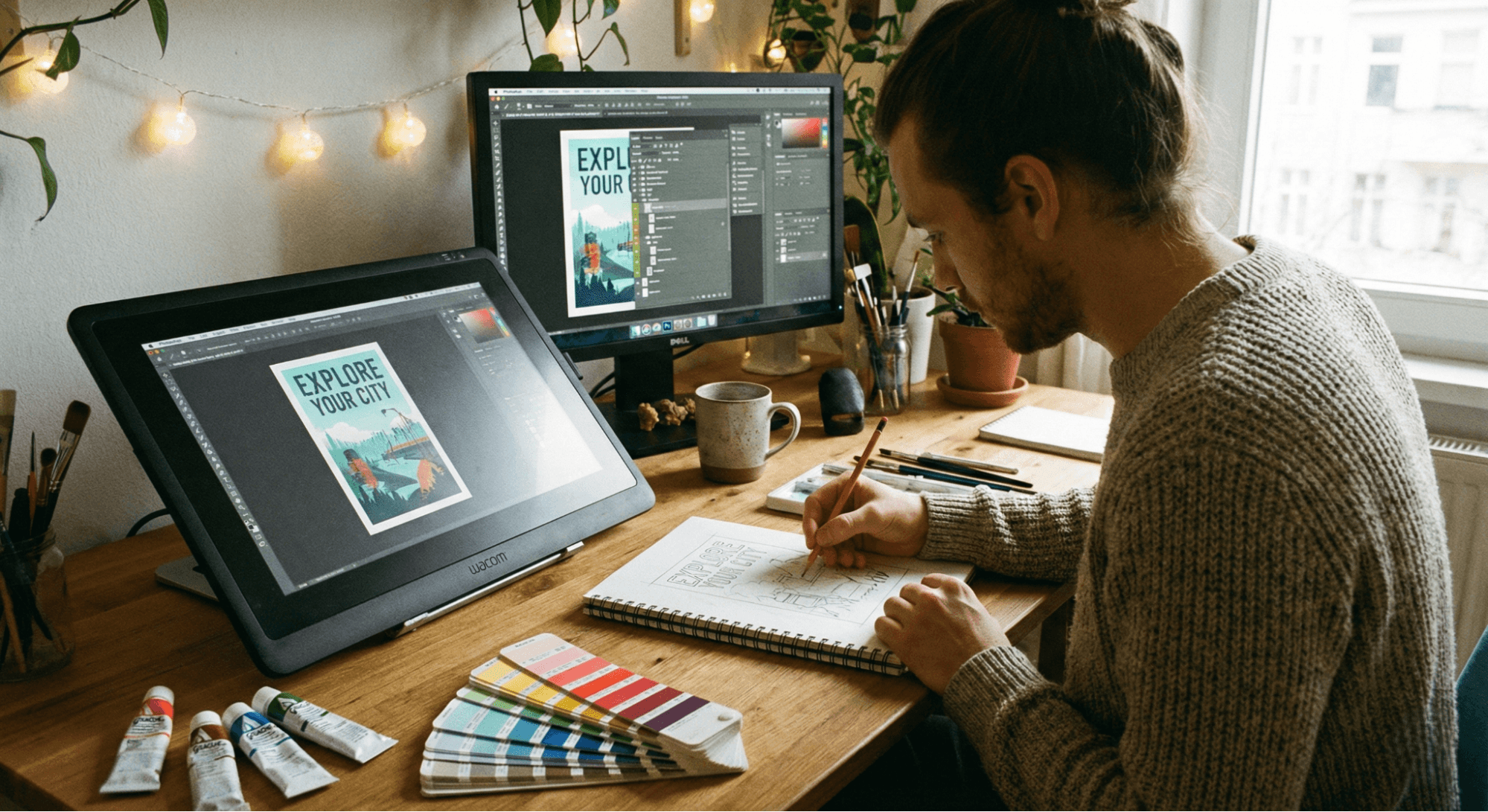
Overview: Theory and inspiration mean nothing without execution. The best way to learn graphic design is to start creating your own designs to apply the concepts you’ve studied. Fictional projects are perfectly fine when you are just building your creative skills.
Project Ideas:
- Social media graphics: Instagram carousels, YouTube thumbnails.
- Posters and flyers: Event promotions or minimalist quote posters.
- Personal branding elements: Designing your own logo or business card.
- Simple web UI mockups: Designing a landing page for a fictional app.
Best Platforms: Canva (for quick graphics), Figma (for UI and vectors), Adobe Illustrator (for detailed logos).
Pros and Cons:
- Pros: Hands-on experience, builds your initial portfolio, highly rewarding.
- Cons: Can be frustrating when your skill level doesn't match your vision yet.
5. Understand File Formats, Licensing & Exporting
Overview: A crucial part of beginner graphic design is knowing how to save your designs correctly and how to respect copyright laws. Using the wrong file format can ruin a beautiful design.
Key Features:
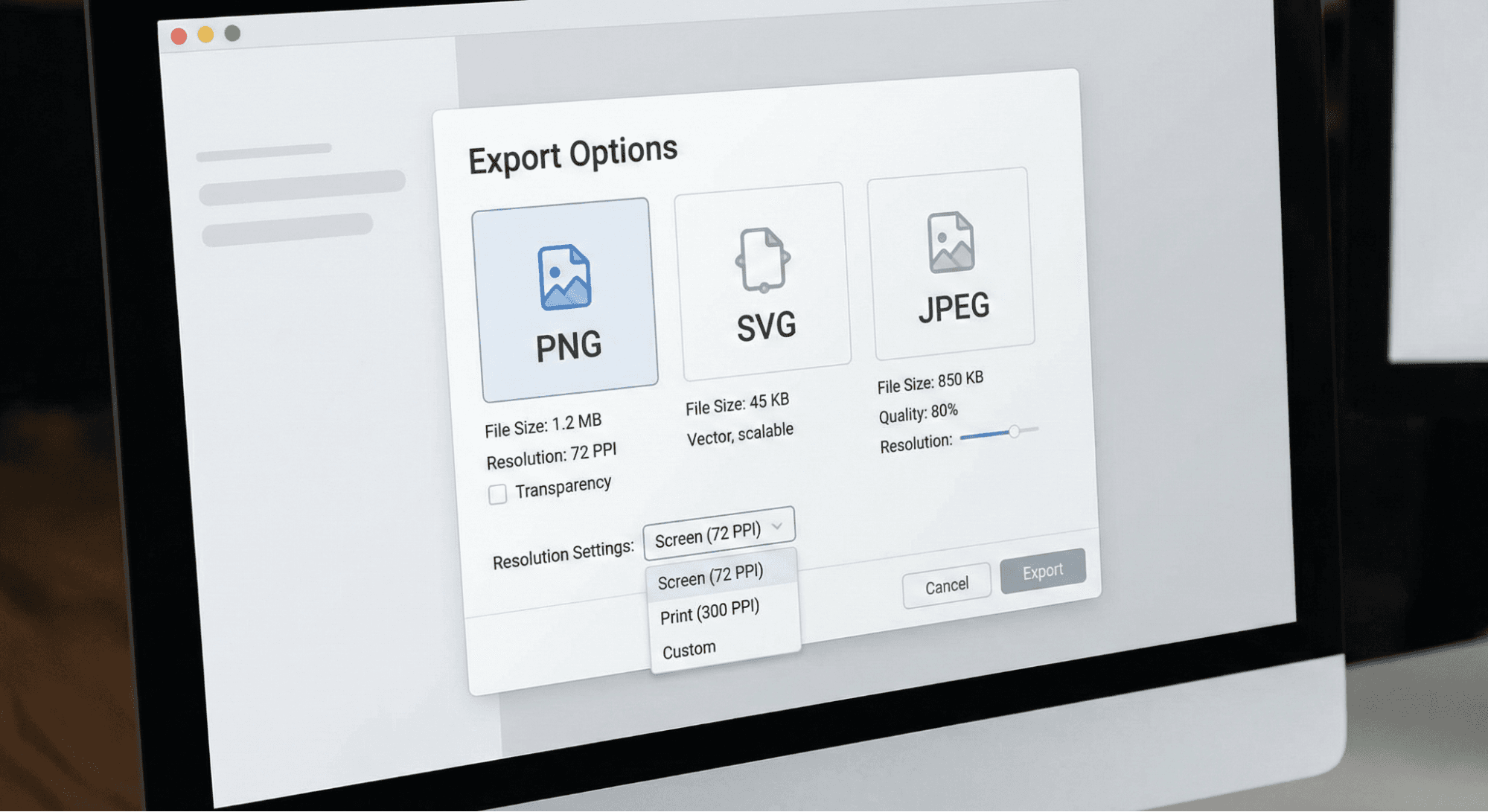
- File Formats: Knowing the difference between PNG (transparent backgrounds), JPEG (standard photos), SVG (scalable vectors), and PDF (for print). For instance, learning exactly how to use PNG images in your projects will save you from pixelated logos.
- Free vs commercial image licenses: Understanding attribution and copyright. If you are building assets for clients, you might be asking, "Can I use free commercial images for my business website?"—the answer depends heavily on the specific license.
- Exporting: Different settings are required for print (CMYK, 300 DPI) versus digital use (RGB, 72 DPI).
Best Use Cases: Freelancers delivering client work, hobbyists printing their art, and content creators uploading to the web.
Pros and Cons:
- Pros: Ensures professional quality, protects you legally.
- Cons: Technical and slightly dry to learn.
6. Build a Portfolio & Share Your Work
Overview: Once you have completed a few projects, it is time to step out of the shadows. Building a design portfolio is the most important step for anyone looking to turn this hobby into a career or freelance gig.
Best Platforms: Behance, Dribbble, a personal website (using Webflow or Wix), or a dedicated professional Instagram account.
Key Tips:
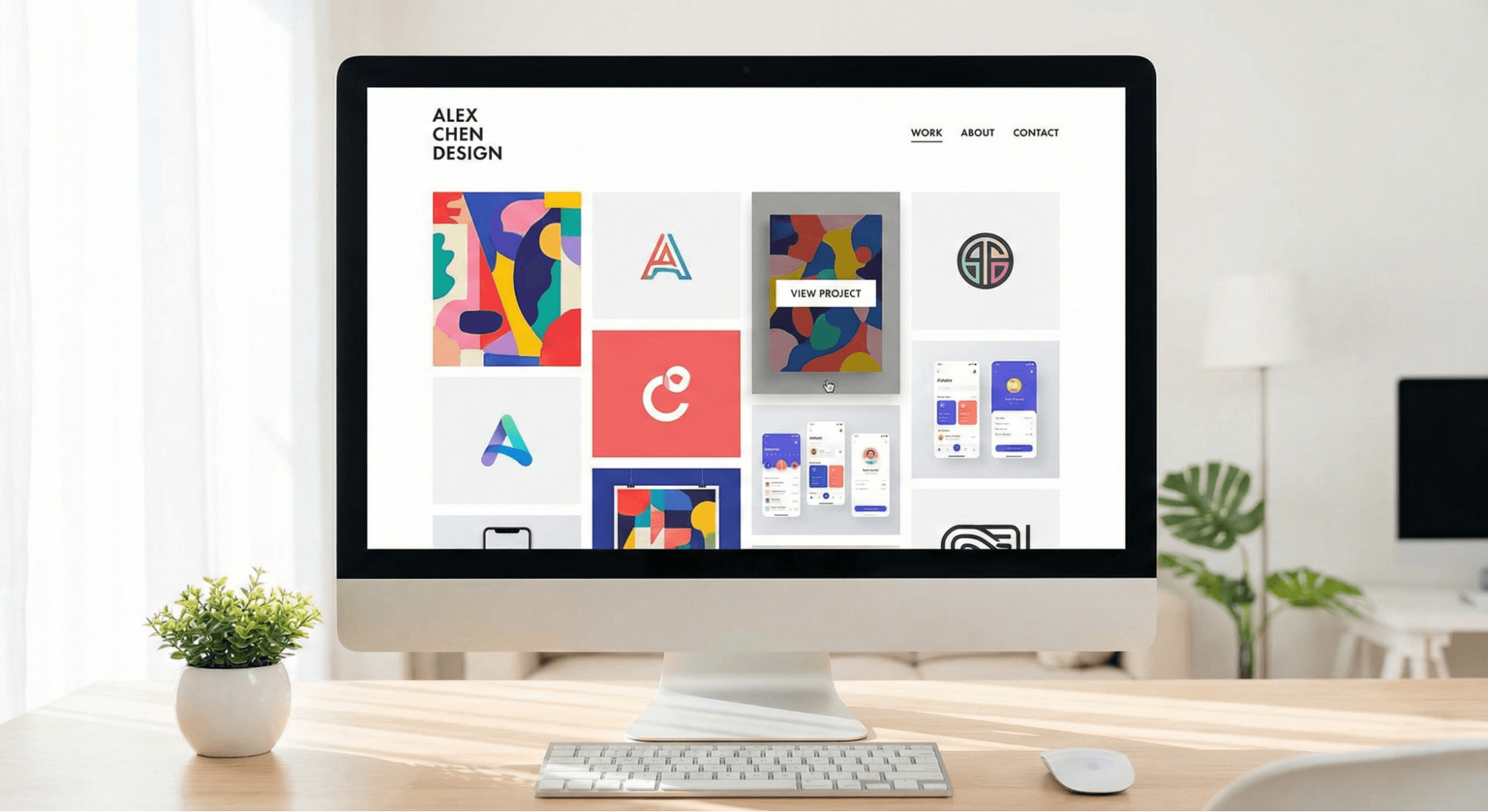
- Show variety of work: Include typography, branding, and UI.
- Explain your design process: Viewers want to see how you solved a visual problem, not just the final result.
- Update portfolio regularly: Remove older, weaker pieces as your skills improve.
Best Use Cases: Freelancers seeking clients, aspiring designers applying for jobs, and students applying to creative programs.
Usability & Design Tips for Beginners
Adopting good design practices early on improves your workflow, ensures visual clarity, and boosts overall creativity:
- Resolution Optimization: Always work in HD or 4K when possible. It is much easier to scale a crisp, high-resolution visual down than to scale a blurry image up.
- Color Schemes & Accessibility: Learn how to design for dark and light mode contrasts. Ensure your text is always readable against its background (accessibility matters!).
- Static vs Motion Designs: Know when to use static graphics (best for clear, immediate information reading) versus simple animations (great for capturing attention on social media feeds).
- Design Inspiration: Beginners can use free design apps, aesthetic wallpapers, and digital mockups to get their creative gears turning. Exploring platforms like Wallpezia can be a subtle but highly effective way to observe beautiful visual layouts, color palettes, and modern aesthetics in everyday digital environments.
FAQs
What is the easiest software to start graphic design?
Canva is widely considered the easiest tool for absolute beginners due to its drag-and-drop interface and massive library of templates. For those wanting to learn UI or vector basics, Figma is a highly accessible, free alternative.
How long does it take to become a beginner-level graphic designer?
With consistent practice (a few hours a week), you can grasp beginner-level fundamentals and start producing competent, clean designs within 2 to 3 months.
Can I learn graphic design for free?
Absolutely. Platforms like YouTube, free courses on Alison or Coursera, and free software like Figma, Canva, and GIMP make it 100% possible to learn without spending a dime.
What are common mistakes beginners make in design?
Common mistakes include using too many different fonts (stick to 2-3 maximum), ignoring alignment, cluttering the design with too many elements (lack of negative space), and using unreadable color contrasts.
How to find inspiration for my first graphic projects?
Start by browsing mood-boarding sites like Pinterest or portfolio sites like Behance. You can also look at everyday things—magazine covers, app interfaces, or high-quality desktop wallpapers—to see how professionals balance colors and typography.
Conclusion
Starting graphic design as a beginner is an exciting journey that begins with understanding core visual fundamentals, choosing the right design tools, and consistently practicing with real projects. By mastering typography, color theory, and file formats, you can easily transition from a hobbyist to a skilled digital creator.
As you move forward, choose your learning path based on your specific goals—whether that means mastering Figma for a career in UI/UX, or using Canva for quick freelance social media management. Finally, remember that inspiration is everywhere. Whether you are browsing through Behance, studying a magazine layout, or simply observing a striking desktop background on Wallpezia, every piece of visual media is an opportunity to learn and grow your creative skills. Start designing today, and don't be afraid to make mistakes—they are your best teachers!
@All assets in this blog are sourced from Wallpezia