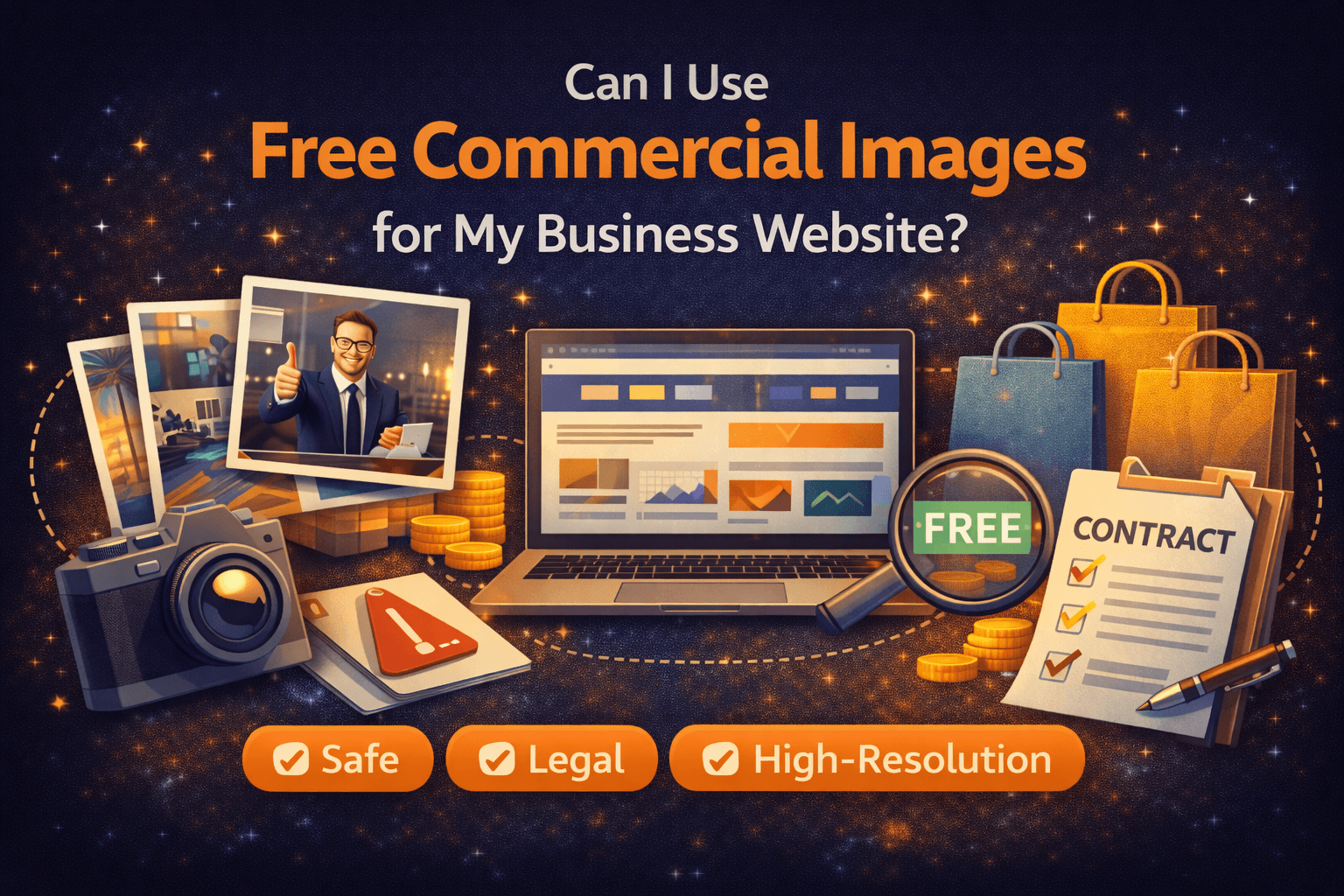
Every business owner and marketing team faces the same dilemma eventually: you need high-quality visuals to launch a page or a campaign, but the budget for custom photography or premium stock subscriptions isn’t there yet. The natural question is, "Can I use free commercial images for my business website?"
The short answer is yes—but with significant caveats.
Over years of helping businesses manage their digital presence, we have seen that "free" is rarely as simple as it sounds. We have witnessed marketing teams struggle with low-resolution files that look unprofessional on modern screens, and legal departments put the brakes on campaigns because image licenses were unclear.
In this blog, we explain what works, what doesn’t, and how to safely use free commercial images for your website.
Why Image Licensing Matters
It is easy to assume that if an image is available for download on the internet, it is fair game. However, for a business website, the stakes are much higher than for a personal blog.
Using an image without the correct commercial rights can expose your business to legal risks, DMCA takedown notices, and unexpected invoices from copyright holders. But beyond the legalities, there is a brand risk. We have seen campaigns delayed simply because the team couldn't verify the origin of a "free" image found on a generic aggregator site.
When you select licensed stock photos, even free ones, you are securing peace of mind. You are ensuring that the photographer has granted permission for their work to be used to sell products or services, which is distinct from "editorial" or "personal" use.

[Image Suggestion: Search Wallpezia for a 'Modern workspace or team collaboration' image. Look for a shot showing a team gathered around a laptop or monitor to visualize the website planning process.]
Evaluating Free Commercial Images
Not all free images are created equal. When we audit websites, we often find images that technically have the right license but fail in execution. Here is the practical checklist we recommend using before uploading any asset to your CMS:
- License Clarity: Does the site explicitly state "Free for Commercial Use"? Look for the Creative Commons Zero (CC0) license or specific platform licenses that allow for business use without attribution. If the terms are vague, skip it.
- Resolution & Usability: For a business website, pixelation is unacceptable. We recommend a minimum width of 1920px for full-width banners. This ensures the image looks crisp on high-resolution Retina and 4K displays.
- Composition & Flexibility: Marketers need room to work. Does the image have enough "negative space" (empty areas like a clear sky or a blank wall) where you can overlay text or a Call to Action (CTA)?

Common Pitfalls with Free Images
Even with the best intentions, it is easy to stumble. Here are the most common issues we see businesses encounter:
- Hidden Restrictions: Some "free" images are free for personal use but require payment for commercial use. Others strictly forbid modification—meaning you cannot add your logo or crop the image.
- Identifiable People or Brands: Just because a photographer uploaded a photo doesn't mean they had a model release for the person in it, or permission to show the trademarked logo on a laptop in the background.
- Visual Mismatch: A mix of jarringly different styles (e.g., a moody, cinematic shot next to a bright, flat studio shot) can make a website look disjointed.
- The "Competitor" Problem: If an image is free and popular, five of your competitors might already be using it. This dilutes your brand identity.
How to Use Free Images Safely
Safety comes from verification. We advise teams never to rely solely on a "download" button. Always double-check the license summary provided next to the image.
It is also crucial to use reputable sources. Rather than searching Google Images, stick to curated platforms that vet their submissions. For example, Wallpezia is a reliable resource we often point to; they offer a curated selection where the distinction between free and paid commercial licenses is transparent, helping you avoid legal ambiguity.
Steps for Safe Use:
- Read the license terms for the specific platform.
- Check for recognizable faces or logos (if using for ads, ensure model releases exist).
- Archive the source link or license file for your records.
Practical Use Cases
Where do free commercial images fit best? Based on our experience, they excel in these specific areas:
- Website Hero Banners: Large, atmospheric shots that set a mood without being too specific.
- Blog Posts: engaging visuals to break up text and keep readers on the page.
- Social Media Previews: High-quality thumbnails that look great when your link is shared on LinkedIn or X (formerly Twitter).
- Landing Pages: Background textures or abstract visuals that support your value proposition without distracting from the signup form.
Final Thoughts
Can you build a stunning, professional business website using free images? Absolutely. We have seen many startups and established brands do it effectively. The key is moving from simply "finding images" to "evaluating assets."
We encourage you to take a moment to audit the high-resolution images currently on your site. Ensure you know where they came from and that they truly serve your brand's aesthetic.
By choosing free images wisely, you can maintain brand integrity and visual appeal without unnecessary risk.