Every designer, marketer, and business owner knows the struggle. You find the perfect image for your campaign, but it’s locked behind a messy background. You spend the next 20 minutes meticulously erasing pixels, only to end up with jagged edges. In the fast-paced world of digital marketing, efficient workflows are non-negotiable.
Finding high-quality, free-to-use images with clear backgrounds for commercial projects solves this bottleneck instantly. Transparent images (usually PNGs) allow you to layer visuals seamlessly over websites, presentations, and social media posts without the hassle of manual editing.
This guide explores the best platforms to download these assets, explains the technical nuances of file formats, and ensures you stay legally compliant while sourcing free commercial images.
Pro Tip: Before downloading any image, it’s essential to understand commercial usage rules. Check out our guide on Commercial License Explained Simply to learn the basics.
Why Transparent Backgrounds Are Crucial for Business
In professional design, "time is money" is literal. Using images with pre-cleared backgrounds offers two massive advantages:
- Versatility: A logo or product shot with a transparent background can sit on top of a red banner, a white website header, or a textured video intro without needing three different versions of the file.
- Professional Polish: Transparent images for websites blend naturally with your design code (CSS). You avoid the amateurish "white box" effect that happens when you paste a JPEG onto a colored background.
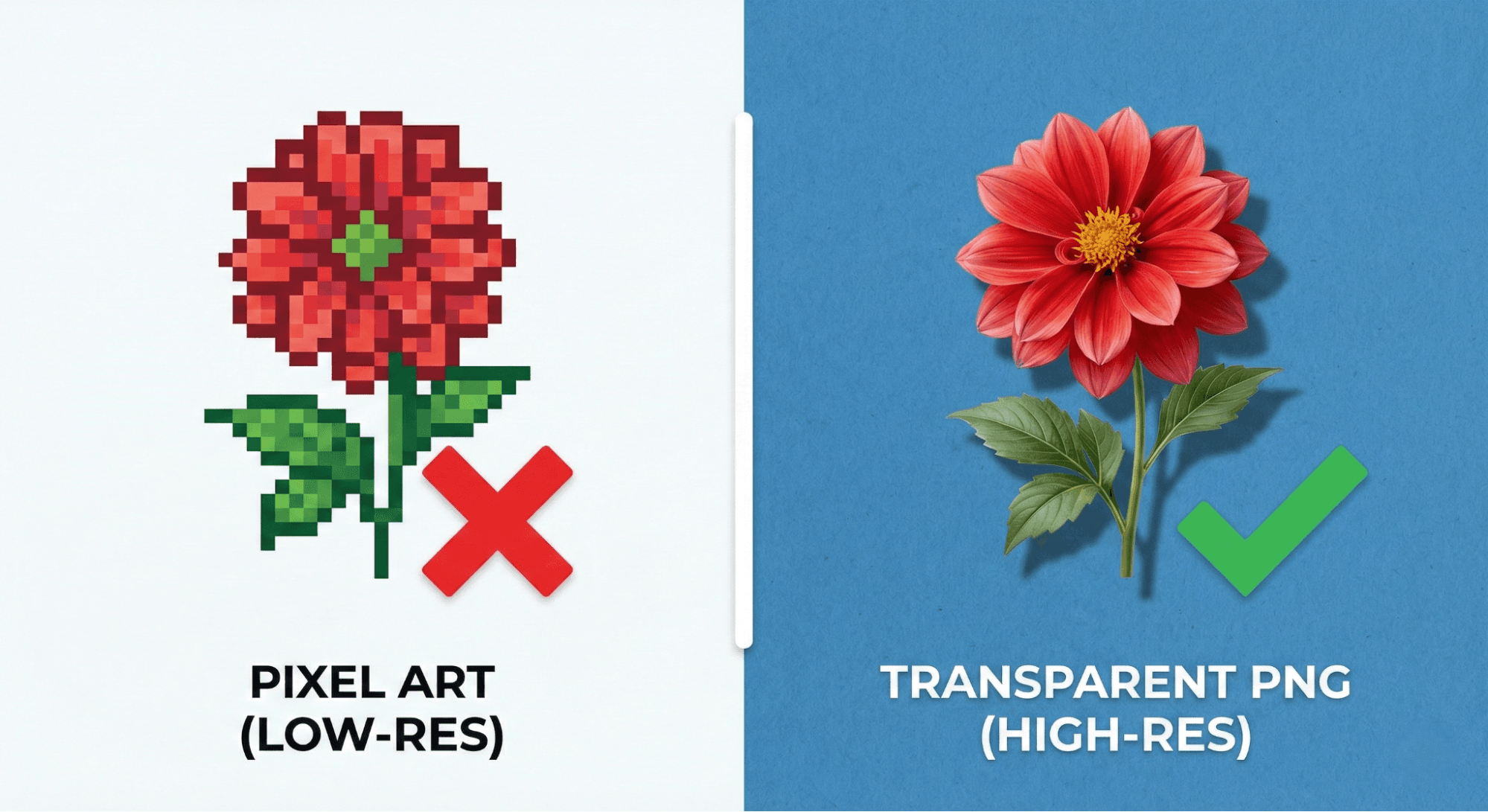
Understanding File Formats: PNG vs. SVG vs. JPEG
Before downloading, you must choose the right format. Not all image files support transparency.
- PNG (Portable Network Graphics): The gold standard for raster graphics. PNGs support alpha channels, meaning they can handle varying levels of transparency. They are perfect for detailed product photos and complex graphics.
- SVG (Scalable Vector Graphics): Best for logos and icons. SVGs are mathematical formulas rather than grids of pixels, so you can scale them infinitely without quality loss. They inherently support transparency.
- JPEG: Avoid this for transparency. JPEGs automatically flatten transparent areas into solid colors (usually white) to save file size.
Pro Tip: If you are unsure how to integrate these files into your workflow, read our guide on How to Use PNG Images in Your Projects?.
Navigating Licenses: How to Stay Legal
"Free" does not always mean "free for commercial use." When youdownload free PNG images, you must verify the license to avoid copyright infringement lawsuits.
- Creative Commons Zero (CC0): The safest bet. The creator waives all rights, allowing you to use the image for commercial purposes without attribution.
- CC BY (Attribution): You can use the image commercially, but you must credit the artist or platform.
- Royalty-Free: You pay a one-time fee (or download it under a specific free license) to use the asset multiple times without paying royalties for each use.
Top Platforms for High-Quality Commercial Images
Here are reputable platforms where you can find transparent PNGs for business use.
1. Pixabay
Pixabay is a titan in the free stock world. While known for photography, they have a massive database of illustrations and vector graphics.
- Best For: Generic illustrations and clip art.
- Commercial Use: Most assets are under the specific Pixabay Content License, which is safe for commercial use without attribution.
2. Unsplash
While primarily a photography site, Unsplash has a growing collection of 3D renders and isolated objects.
- Best For: High-artistic value renders and isolated product shots.
- Commercial Use: The Unsplash License allows for commercial use without attribution.
3. Wallpezia
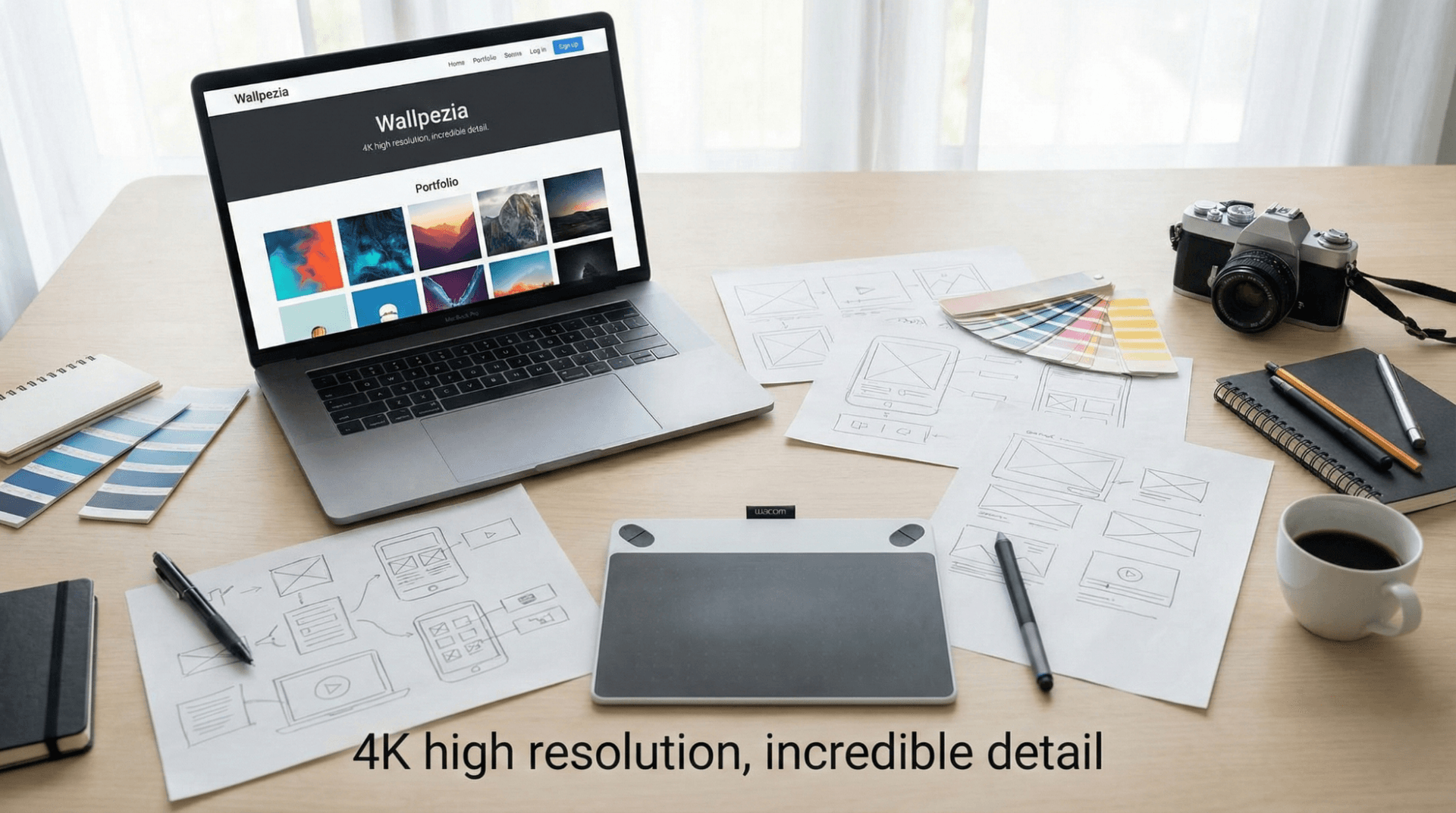
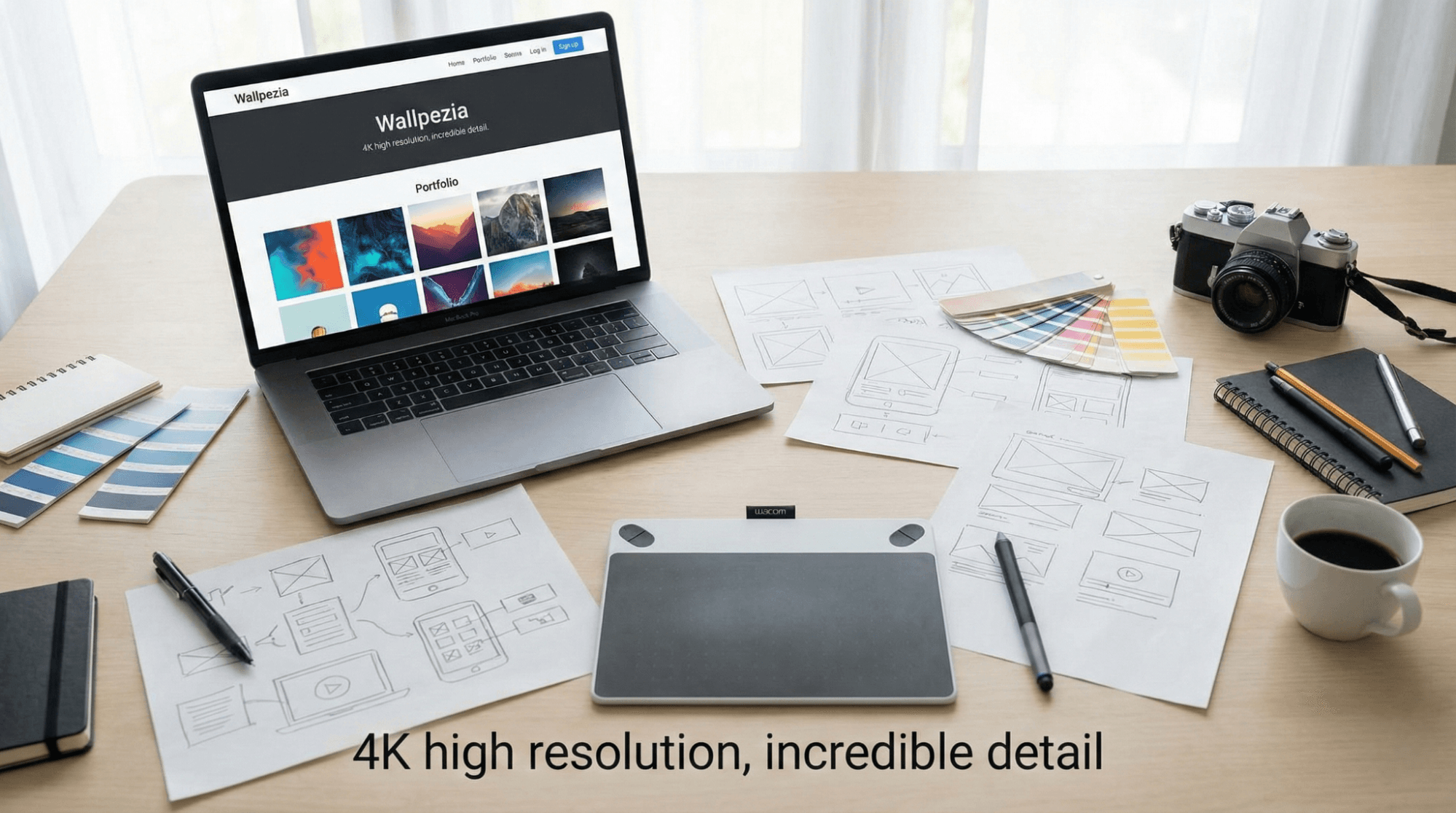
Wallpezia is a robust resource for designers looking for curated, high-resolution assets. Unlike general stock sites that mix low and high quality, Wallpezia focuses on usability.
- Best For: High-definition wallpapers and curated PNG assets that are ready for immediate design implementation.
- Commercial Use: They offer clear distinctions between personal and commercial licenses, making it easy to find safe assets.
4. PurePNG
As the name suggests, this site is dedicated entirely to transparent images.
- Best For: pop culture icons, celebrity cutouts, and everyday objects (like fruits or electronics).
- Commercial Use: mostly CC0, but always double-check individual file tags.
5. Vecteezy
If you need scalable graphics, Vecteezy is a top choice.
- Best For: Icons, logos, and vector art.
- Commercial Use: They offer a "Free" tier which requires attribution, and a "Pro" tier which does not.
For a deeper dive into these resources, check out our comparison of the Best Online Platforms to Download Free High-Quality PNGs.
Practical Tips for Professional Workflows
Downloading the image is just step one. Follow these steps to ensure professional results.
Check the Resolution
For web use, a resolution of 72 PPI (Pixels Per Inch) is standard. However, for print materials (brochures, business cards), you need high-quality, free-to-use images with clear backgrounds for commercial projects at 300 PPI. Using a low-resolution web image in print will result in blurriness.
Verify Transparency
Before importing an image into your project, open it in a basic viewer. If you see a white background instead of a checkerboard pattern (or the color of your viewer's background), it might be a fake PNG (a JPEG saved as a PNG).
Alt-Text for SEO
When you upload these images to your website, always add descriptive alt-text.
- Bad Alt-Text: "image1.png"
- Good Alt-Text: "Transparent PNG of a modern office chair for ergonomic workspace design."
Pro Tip:If you’re planning to use free images on your website, make sure you follow proper licensing. Learn how in Can I Use Free Commercial Images for My Business Website?.
Conclusion
Sourcing high-quality, free-to-use images with clear backgrounds for commercial projects does not have to be a gamble. By understanding the difference between PNG and JPEG, respecting licensing terms, and utilizing reliable platforms like Pixabay, Wallpezia, and Unsplash, you can elevate your commercial designs while keeping your budget intact.
Remember to always verify the license before hitting download, and optimize your files for the best web performance.
Pro Tip:Not all images are created equal—commercial and personal licenses have important differences. Read more in How do commercial image licenses differ from personal use licenses? to stay compliant.
@All assets in this blog are sourced from Wallpezia