Finding the perfect image is half the battle in design, but finding a high-quality PNG with a transparent background? That can feel like finding a needle in a haystack.
Whether you are a graphic designer, a student working on a presentation, or a marketer building a campaign, the right PNG file can save you hours of editing. You don’t need to waste time manually removing backgrounds or fixing pixelated edges. You just need to know where to look.
This guide covers the reliable platforms where you can download free, high-quality PNGs, how to use them safely, and which file formats serve your needs best.
Why High-Quality PNGs Matter
Before we dive into the websites, it is important to understand why PNG (Portable Network Graphics) is the gold standard for digital design. unlike JPGs, PNGs support transparency, meaning you can place them over any background without a white box surrounding the image.
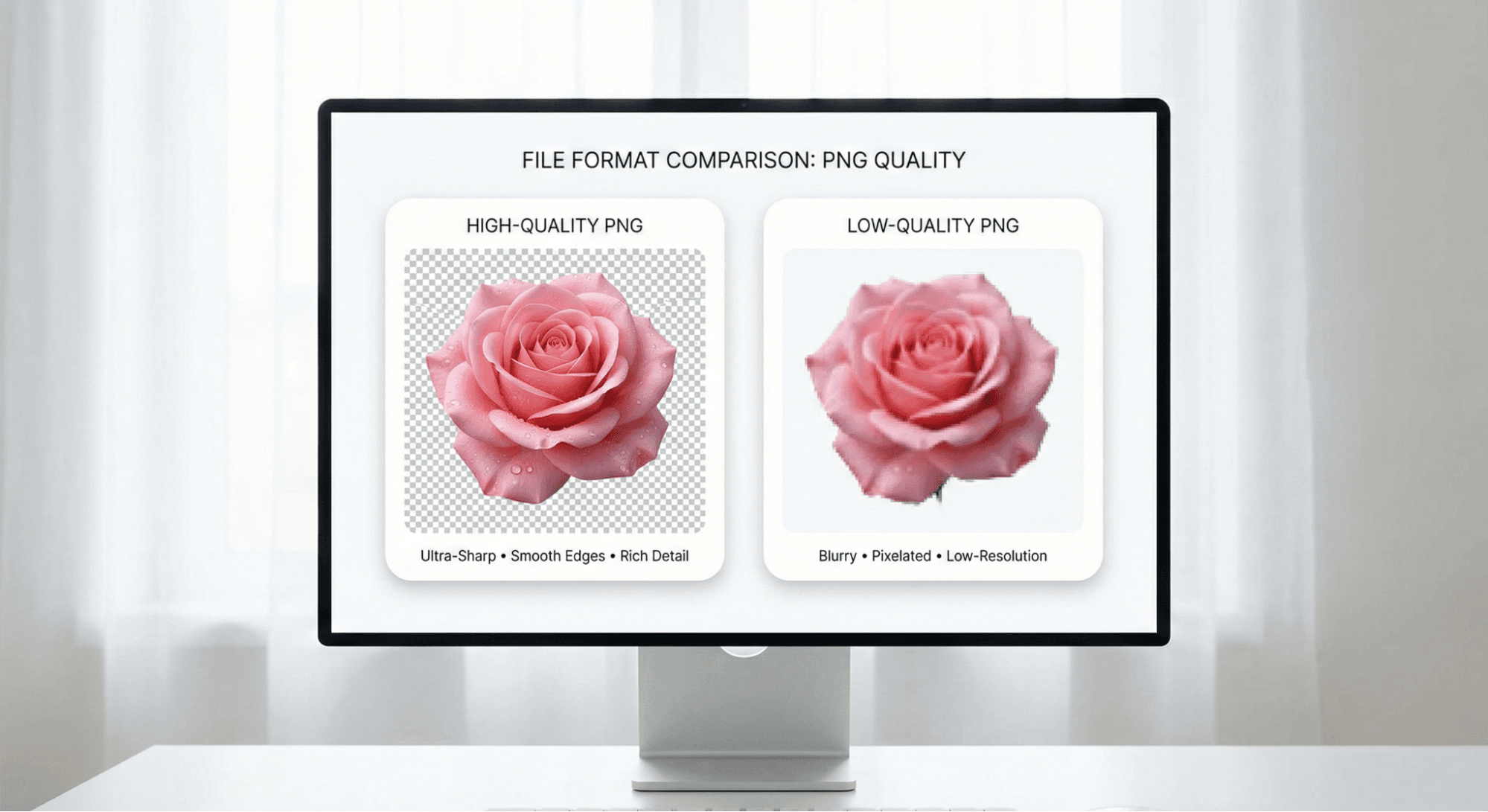
However, not all PNGs are created equal. A "high-quality" PNG offers:
- Sharp Resolution: No blurriness when resized.
- Clean Edges: No jagged "halos" or leftover pixels from sloppy background removal.
- Lossless Compression: The image quality doesn't degrade when you save it.
Top 5 Platforms for Free High-Quality PNGs
Here are the best places to find reliable, free PNG resources in 2025.
1. Pixabay
Best For: Commercial use and royalty-free assets.
Pixabay is a titan in the free stock photo world, but its PNG section is equally impressive. It hosts a massive community of creators who upload high-quality illustrations and cutouts.
- Quality: Excellent. Most files are high-resolution and professionally masked.
- Licensing: Extremely safe. Most images are under the Pixabay Content License (free for commercial use, no attribution required).
- Ideal Users: Marketers, bloggers, and business owners who need copyright-safe assets.
2. PNGTree
Best For: Professional designers needing specific graphic elements.
PNGTree offers one of the largest libraries of isolated creative assets, from 3D text effects to complex vector shapes. The variety here is unmatched for specific design needs.
- Quality: Premium standard. The images are often vector-based, ensuring perfect sharpness.
- Licensing: Free accounts usually have a daily download limit (often 1–2 files) and may require attribution. Read the fine print for commercial projects.
- Ideal Users: Graphic designers and illustrators looking for trendy, modern assets.
3. StickPNG
Best For: Pop culture, memes, and fun non-commercial projects.
Need a cutout of a famous celebrity, a movie character, or a popular logo? StickPNG is the community-driven hub for these types of images. Since many of these feature trademarked characters, they are strictly for personal or educational use.
- Quality: Variable, but generally good for web use.
- Licensing: Personal and educational use only. Not for commercial products.
- Ideal Users: Students, YouTubers, and social media content creators.
4. Wallpezia
Best For: High-definition wallpapers and artistic backgrounds.
While many sites on this list focus on small "cutout" elements,Wallpezia is a strong choice when you need the full picture. If your project requires a stunning 4K background to sit behind your transparent PNGs, this is a great resource to bookmark.
- Quality: Ultra-high definition (4K and HD).
- Licensing: Free for personal use; check specific image details for other uses.
- Ideal Users: Mobile customization fans and designers needing rich background textures.
5. PNGWing
Best For: Unlimited free downloads for quick mockups.
PNGWing (formerly similar to PNGKey or PNGEgg) aggregates thousands of transparent images. It is known for having no download limits, making it great for brainstorming or fast-paced work.
- Quality: Good, though some edges may need minor refining.
- Licensing: Mostly Non-Commercial (NC). Great for internal mockups or personal projects.
- Ideal Users: Students and designers doing rapid prototyping.
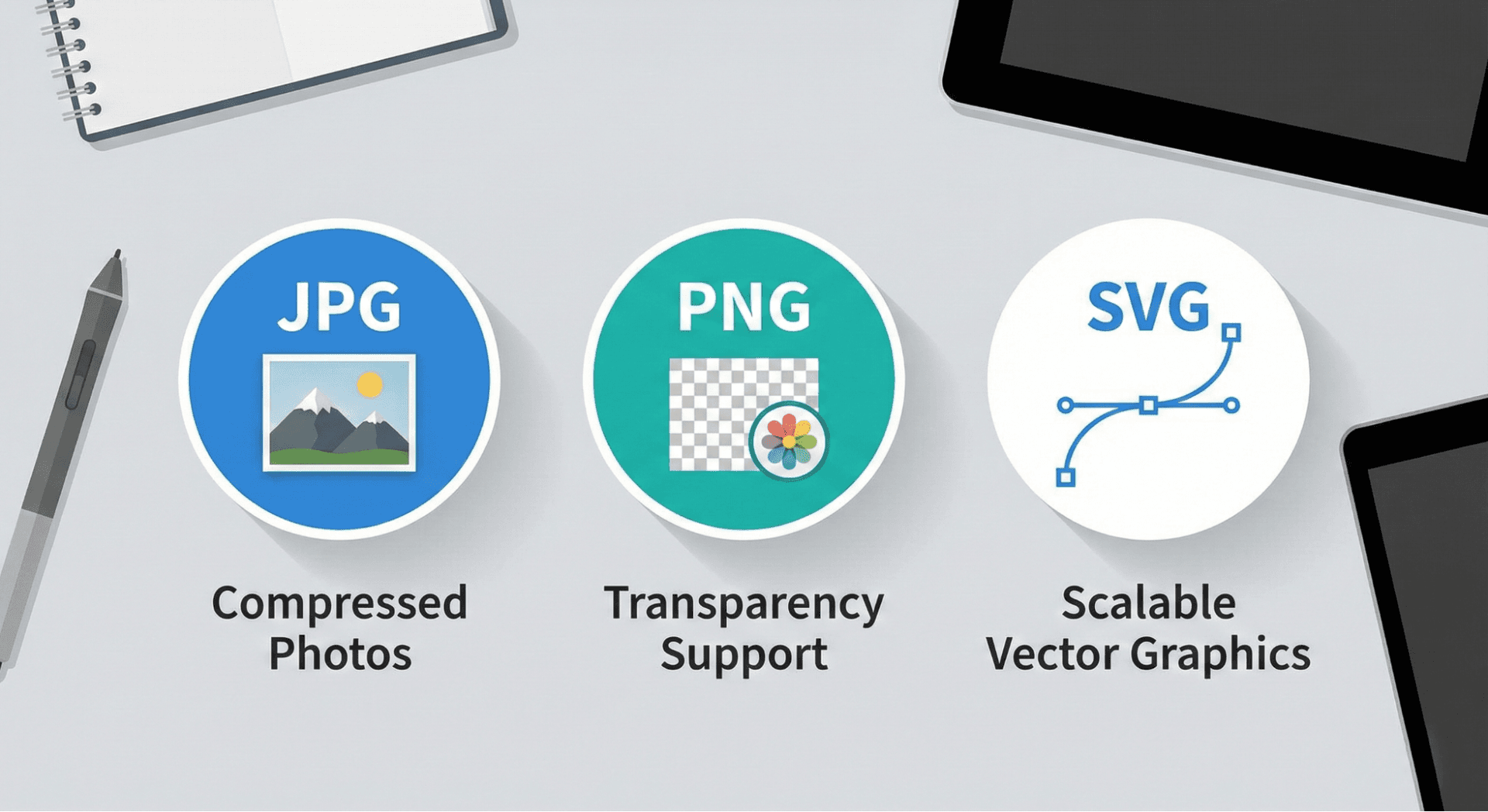
Choosing the Right File: PNG vs. JPG vs. SVG
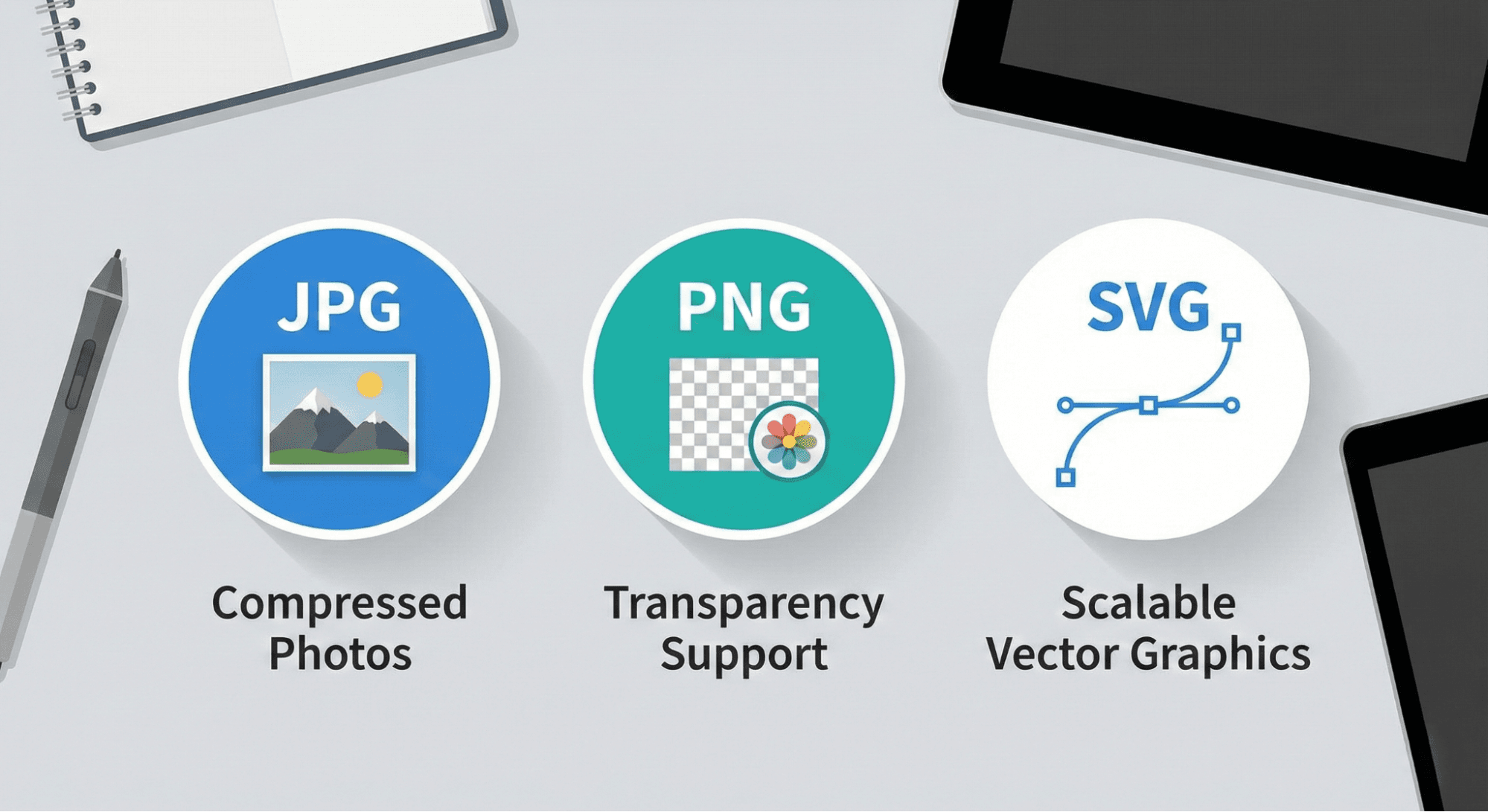
Not sure if a PNG is actually what you need? Here is a quick breakdown.
Feature | JPG (JPEG) | PNG | SVG |
Transparency | No (Solid background) | Yes (Transparent background) | Yes (Transparent background) |
Best Used For | Photos, heavy textures | Logos, icons, digital art, cutouts | Icons, logos, responsive web design |
Scalability | Loses quality when zoomed | Good, but pixelates if zoomed too far | Infinite (Vector-based) |
File Size | Small | Medium to Large | Tiny |
The Verdict: Use JPG for photographs to save space. Use SVG for logos on websites. Use PNG for anything that needs a transparent background or complex digital art.
Tips for Working with Free PNGs
Downloading the file is just the first step. Follow these best practices to ensure your final design looks professional.
1. Always Check the License
"Free to download" does not always mean "free to use commercially."
- Creative Commons Zero (CC0): You can do anything with it.
- Attribution Required: You must credit the artist (common on Vecteezy or Freepik).
- Personal Use Only: You cannot use it to sell products or promote a business.
2. Verify Transparency Before Downloading
Some websites trick users with a "fake" checkerboard background that is actually part of the image.
- The Test: Drag the image on your desktop. If the background turns white or black (matching your system theme) rather than staying checkered, it is likely a real transparent PNG.
3. Optimize for Web
High-quality PNGs can be heavy (sometimes 5MB+). Large files slow down websites, which hurts SEO.
- Solution: Use a free compression tool like TinyPNG to reduce the file size by up to 70% without visible quality loss before uploading it to your site.
Conclusion
Great design relies on great assets. You don't need an expensive subscription to access professional imagery; you just need to know which platform suits your current project. UsePixabay for safe commercial work, PNGTree for specific design elements, and Wallpezia when you need a stunning high-res background to complete the look.
By paying attention to licensing and file types, you can build a library of resources that keeps your creative workflow smooth and budget-friendly.
Disclaimer: Licensing terms on third-party websites can change. Always verify the usage rights of an individual image before including it in your work.
Once you’ve downloaded the right PNG files, it’s important to know how to use them correctly. Our guide on How to Use PNG Images in Your Projects? explains practical ways to use PNGs in design, websites, and marketing materials without losing quality.
@All assets in this blog are sourced from Wallpezia