Finding the perfect ringtone in Pakistan can feel like a digital treasure hunt. You hear a trending OST from Ishq Murshid or a beautiful Naat on someone else's phone, but when you search for it, you’re bombarded with spammy websites, broken links, and pop-up ads that feel unsafe.
For Android users in Pakistan, the challenge isn’t just finding a ringtone—it’s finding a safe, reliable, and high-quality source. You want an app that doesn’t drain your battery, steal your data, or fill your notification bar with junk.
This guide is written to solve that exact problem. We have tested and curated the best apps for downloading free ringtones on Android, specifically tailored for Pakistani users who want everything from latest drama soundtracks to Islamic tones.
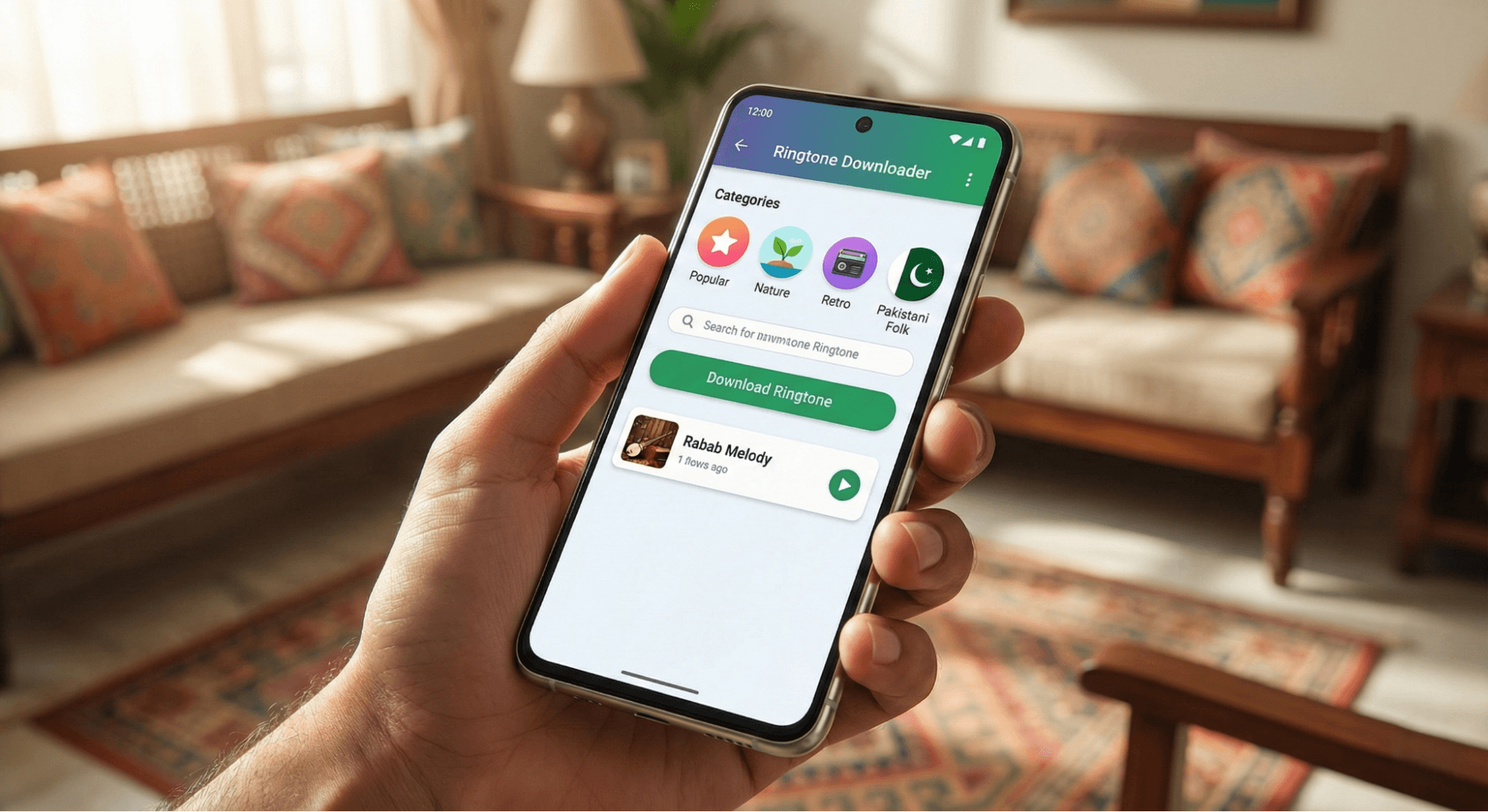
Safety First: What to Look for Before Downloading
Before we dive into the apps, we need to talk about digital safety. Many "free ringtone" apps in the Play Store are actually data harvesters. As a user in Pakistan, you need to be smart about the permissions you grant.
The "Good" vs. "Bad" Permissions
When you install a ringtone app, it will ask for access to your phone. Here is how to tell if it’s safe:
- ✅ Storage / Media Access: Essential. The app needs this to save the MP3 file to your device.
- ✅ Modify System Settings: Essential. This allows the app to automatically set the ringtone for you without you digging through settings.
- ✅ Contacts: Optional. Only grant this if you want to assign specific ringtones to specific people (e.g., a special tone for your mother). If you don't use that feature, deny this permission.
- ❌ Location: Red Flag. A ringtone app does not need to know where you are in Lahore or Karachi. Deny this.
- ❌ Camera/Microphone: Red Flag. Unless it has a "record your own voice" feature you are actively using, deny this.
Top 5 Apps for Free Ringtones in Pakistan (2025 Edition)
We selected these apps based on safety, variety of Pakistani content (OSTs, Naats, etc.), and ease of use.
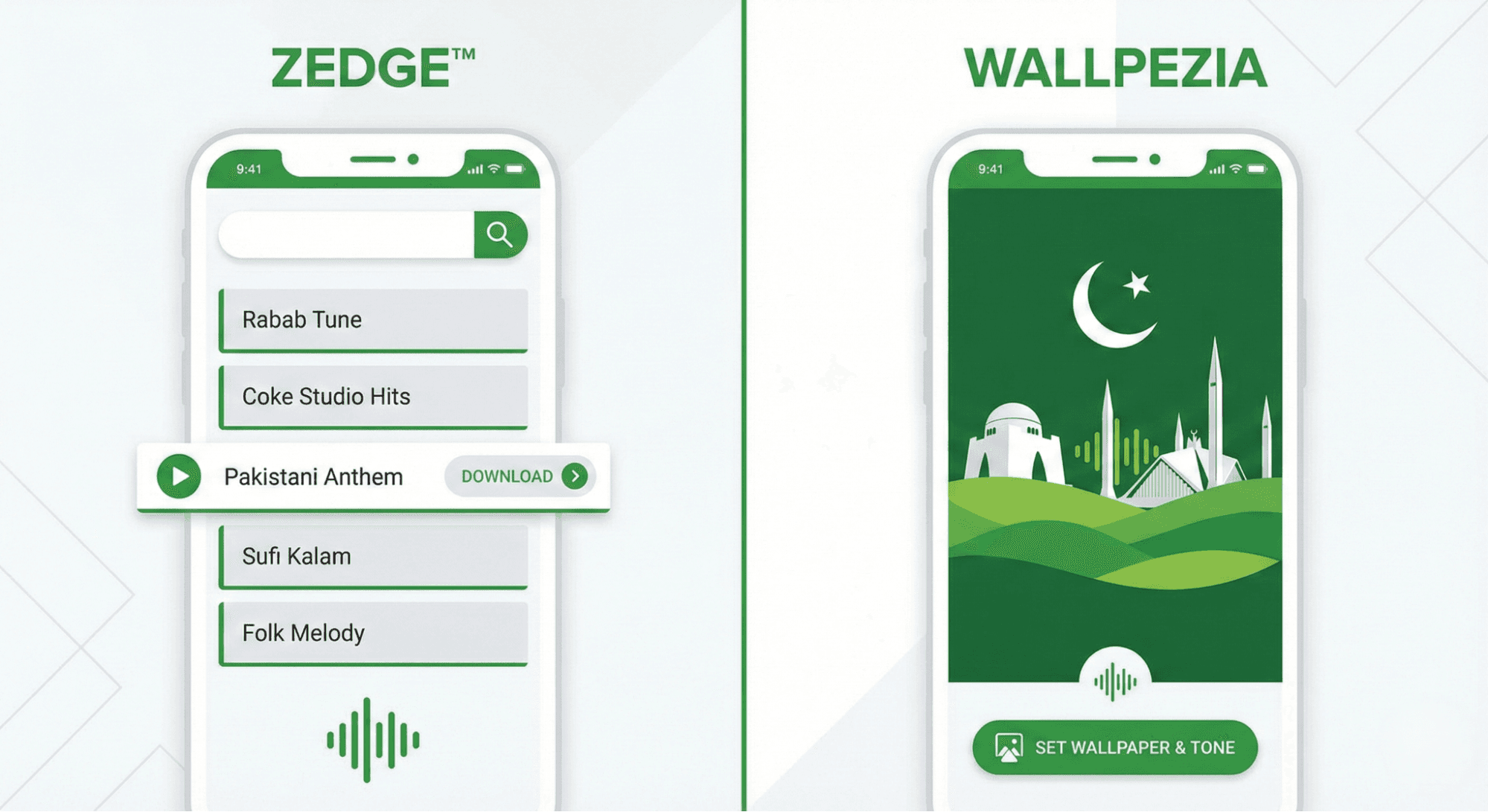
1. Zedge™ (The All-Rounder)
Best For: Massive variety of international and local Pakistani content.
Zedge is the undisputed giant of phone customization. For Pakistani users, it is a goldmine because of its massive community. You can easily find specific local content like "Ertugrul Ghazi" themes, "Atif Aslam" songs, or cricket anthems just by searching.
- Pros:
- Huge database with millions of free ringtones.
- Dedicated sections for notification sounds and alarms.
- Safe and trusted by millions globally.
- Cons:
- Contains ads (though they are not dangerous).
- Some content is user-uploaded, so quality can vary.
2. Wallpezia (The Aesthetic Choice)
Best For: Complete phone makeovers (Matching Visuals & Audio).
While primarily famous for its stunning 4K wallpapers, Wallpezia is quickly becoming a favorite for users who want their phone's sound to match its look. It acts as a complete customization hub. If you are the type of user who wants a "Nature" theme with a soothing bird sound, or a "Cyberpunk" wallpaper with a futuristic notification beep, this is your go-to.
- Why it works for Pakistan: It’s lightweight and doesn't clutter your phone. It frequently updates with trending themes, ensuring you get a cohesive look and sound experience without installing five different apps.
- Key Feature: Seamlessly notifies you of trending assets so you can keep your phone feeling fresh.
3. Mobiles24 (The Reliable Classic)
Best For: Old-school phone users and specific Nokia/Samsung classic tones.
Mobiles24 has been around for over a decade. It is perfect if you miss the classic ringtones of the 2000s or want something very specific that isn't on modern trendy apps. It has a very loyal user base in Pakistan.
- Pros:
- Excellent community forums.
- Great for finding "classic" or "funny" Pakistani tones.
- Allows you to create your own ringtones from MP3s.
- Cons:
- The interface looks a bit dated compared to Zedge.
4. Audiko (The Customizer)
Best For: Users who want to edit songs into ringtones.
Sometimes the ringtone you want isn't a full song, but just a specific 10-second chorus from a new Coke Studio track. Audiko lets you upload a song (or select one from their library) and cut the exact part you want.
- Pros:
- Precise cutting tools (select the exact start and end time).
- Fade-in and fade-out options for a professional sound.
- Cons:
- Requires a bit more effort than just hitting "download."
5. MP3 Cutter and Ringtone Maker (The DIY Tool)
Best For: Users who download songs from YouTube or other sources.
If you already have the MP3 file of your favorite Naat or song on your phone, you don’t need a downloader—you need a cutter. This app is strictly a utility tool. It takes zero data from you and simply lets you trim your existing audio files.
- Pros:
- Completely offline (no internet needed).
- Zero privacy risk (doesn't upload your files).
- Cons:
- You must have the music file on your phone first.
Step-by-Step: How to Download & Set a Ringtone Safely
If you are new to Android customization, here is the foolproof method to setting your ringtone without downloading malware.
- Download the App: Install one of the trusted apps listed above from the Google Play Store. Avoid downloading "APK" files from random websites.
- Search Smart: Use specific keywords. Instead of just searching "Drama Song," search for "Tere Bin Drama OST Instrumental".
- Preview First: Always press the "Play" button before downloading to ensure the audio quality is clear and loud enough.
- Download to Media Folder: Tap the download button. The app will ask for permission to access your storage—Allow this.
- Set via Settings: While many apps let you set the ringtone directly, the safest way is to:
- Go to phone Settings.
- Tap Sound & Vibration.
- Tap Phone Ringtone.
- Select "My Sounds" or "From Device Storage" and pick the file you just downloaded.
Important Legal & Ethical Note for Pakistani Users
In Pakistan, copyright laws (governed by the Copyright Ordinance, 1962) protect the rights of creators.
- Personal Use is Generally Okay: Downloading a snippet of a song to use as a ringtone on your personal device usually falls under "Fair Use" or personal consumption. No one is going to arrest you for having an Atif Aslam ringtone.
- Do Not Redistribute: The legal line is crossed if you try to sell these ringtones or build your own app to distribute them without the artist's permission.
- Support Local Artists: If you love a specific independent artist (like a Naat Khawan or a budding musician), consider checking if they have an official channel or website to support them directly.
Conclusion
Customizing your Android phone is one of the small joys of technology. Whether you want the spiritual calm of a beautiful Azan, the emotional depth of a Pakistani drama OST, or just a loud, classic bell to make sure you hear your phone in a busy Lahore market, there is an app for you.
For the widest variety, stick with Zedge. For a beautiful, cohesive phone makeover that matches your screen to your sound, give Wallpezia a try. And if you prefer to be your own DJ, grab MP3 Cutter.
Stay safe, check your permissions, and enjoy your new personalized phone!

For users who like matching visuals with sound, this article on Best Online Stores for Modern Digital Wallpapers in Pakistan explains where to find modern wallpaper options locally.
@All assets in this blog are sourced from Wallpezia